
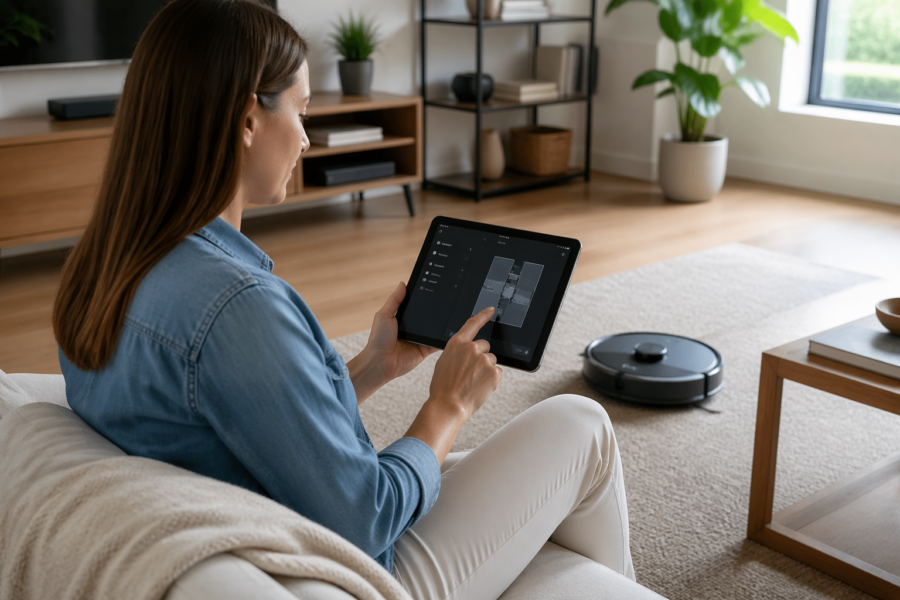
If you own a robot vacuum, you already know the truth, the hardware is fine and the schedule is the annoying part. Home Assistant fixes that by turning a dumb timer into a home assistant automation for cleaning that reacts to real life.
I like clean floors, but I dislike surprise cleanings more than I like clean floors. The point of automation is to stop the vacuum from starting at the worst possible moment, like nap time or a work call.
The good news is that Home Assistant gives you enough inputs to make cleaning routines act like a considerate roommate. The bad news is that you have to decide what “considerate” means in your house.
This article focuses on practical patterns, a robot vacuum schedule that adapts to presence, quiet hours, and door states. It also covers vacuum zone cleaning and a real do not disturb mode that blocks runs when people are busy.
Planning a cleaning routine that fits your household flow
Start by writing down when the vacuum is allowed to be annoying, because that list is shorter than you think. For many homes, the best window is after school drop off and before the first afternoon meeting.
I prefer a routine that cleans lightly most days and does a deeper pass once a week. That keeps the bin from filling mid run and reduces the odds of a dramatic “help me” error under the couch.
Think in terms of triggers and constraints, not days of the week. A trigger can be “weekday at 10:00 AM,” but the constraints are what keep the robot from ramming into a closed baby gate for 20 minutes.
Before you build the automation, decide your non negotiables and encode them as conditions. Examples are “never run after 9:00 PM,” “never run when the front door is open,” and “never run when anyone is home and on a call.”
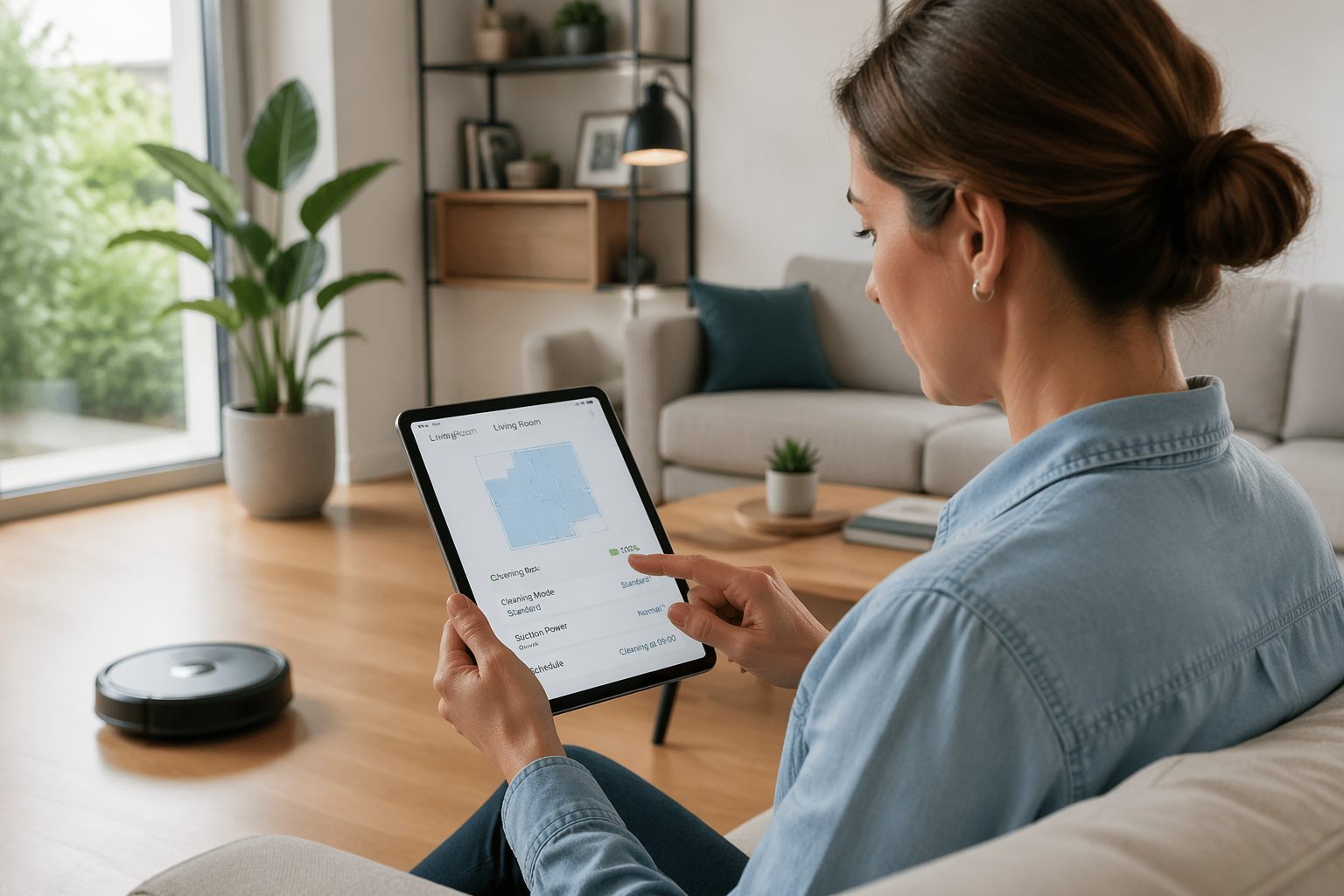
Also decide what “done” means, because different vacuums report state in different ways. Some expose a clean “docked” state, while others only show “returning” and “idle,” which affects notifications and retries.
Scheduling cleanings with conditions (presence, quiet hours, door states)
A robot vacuum schedule that ignores presence is basically a prank you play on yourself. Use person entities, device trackers, or a group like group.family_home to decide whether a run can start.
Quiet hours should be a real input, not a mental note. I like a helper called inputboolean.quiethours, toggled by a time based automation at night and cleared in the morning.
Door and gate sensors are underrated for cleaning automations. If the vacuum cannot access a room because a door is closed, you either skip the run or switch to vacuum zone cleaning that targets reachable areas.
When you combine those signals, the automation becomes predictable instead of “smart” in a vague way. Predictable is what you want, because it is the difference between automation and chaos.
In practice, I gate the start with three conditions, someone is not home, quiet hours is off, and the main hallway door sensor reads closed. If any condition fails, I reschedule for an hour later instead of giving up for the day.
Zone and room cleaning: triggering the right areas at the right time
Whole house runs are loud, slow, and they hit the rooms you care about least. Vacuum zone cleaning is where Home Assistant starts to feel like it was built for real homes with kitchens that need attention every day.
The trick is to map zones to routines, like “kitchen after breakfast” and “entryway after soccer practice.” Once you do that, your home assistant automation for cleaning stops being a calendar event and starts being a response to habits.
| Zone or room | Good trigger | Suggested constraints |
|---|---|---|
| Kitchen | 30 minutes after breakfast time | Quiet hours off, no active call, vacuum battery above 40% |
| Entryway | Front door opened 6+ times in a day | Someone home is fine, but require do not disturb mode off |
| Living room | TV turned off after 9:00 PM | Skip if pets are eating, skip if balcony door is open |
| Hallway | Weekday at 1:00 PM | All bedroom doors closed, no scheduled meeting in next 30 minutes |
| Office | Person leaves office zone | Door open, no call sensor on, keyboard idle for 10 minutes |
Preventing bad runs: stuck risks, open doors, and “someone is on a call”
Most vacuum failures are predictable, and they happen in the same spots every time. If your vacuum eats phone chargers, treat that like a known hazard and block runs when the “cables out” area is likely messy.
Open doors create two different problems, escape routes and map confusion. A patio door left open can tempt a vacuum into a threshold it cannot climb back over, and you will find it dead like a sad beetle.
A do not disturb mode should be more than a label, it should actively stop starts and pause active cleaning. I wire mine to a single helper, inputboolean.dndcleaning, and I let multiple things turn it on.
For call detection, you have options that range from simple to obsessive. The simple option is a calendar entity that marks meetings, while the obsessive option is a microphone based sensor or a “Zoom is running” binary sensor from a workstation.
When the vacuum is already running, I prefer pausing over stopping, because some models lose their place when you stop them. A pause plus a timer that retries in 20 minutes is gentler on your map and your patience.
Building a do not disturb mode that the whole house can control
If do not disturb mode lives only in your head, it will fail the first time you forget to flip it. Put it somewhere obvious, like a dashboard toggle, a voice assistant phrase, and a physical button near the office.
I like a single “cleaning allowed” boolean that defaults to on, then multiple automations turn it off temporarily. That design keeps the logic readable and avoids the classic problem where one condition blocks cleaning forever.
For households with kids, do not disturb mode can also mean “do not startle the dog while the baby is asleep.” A nap time helper tied to a nursery motion sensor and a time window works better than guessing.
For work from home, I tie do not disturb mode to my meeting calendar and a desktop focus mode sensor. When either one is active, Home Assistant blocks the start and pauses an active run if it is near the office.
Make the override easy, because you will need it when the kitchen is a disaster and you do not care about noise. A 30 minute “force clean” button that ignores quiet hours but still respects open doors is a good compromise.
Status tracking: start, pause, dock, and “needs help” notifications
Notifications are where most cleaning automations get annoying again, because they spam you with state changes you do not care about. The only messages I want are “started,” “finished,” and “stuck,” and even those need good timing.
Use the vacuum entity state plus attributes like battery level, error code, and current room if your integration provides it. If your model exposes a “bin full” or “brush jam” sensor, treat that as “needs help” and route it to a higher priority channel.
- Notify on stuck or error only
- Notify on docked after a successful run
- Auto pause when do not disturb mode turns on
- Retry start once if the vacuum reports “cannot start”
- Send a reminder if the bin was not emptied for 3 days
- Log every run to a helper counter or history chart
Making the automation readable, helpers, labels, and sane naming
A home assistant automation for cleaning gets messy fast if you cram every rule into one giant YAML file. Break it into helpers and small automations, then connect them with clear names like “Cleaning allowed” and “Quiet hours.”
Labels and areas matter more than people admit, because they keep your zone logic understandable six months later. If you name your zones like “Zone 1” and “Zone 2,” you will eventually run the wrong one on a day you really needed the kitchen.
Use scenes or scripts for repeatable actions, like “vacuum kitchen,” “vacuum downstairs,” and “return to dock.” Scripts let you reuse the same vacuum zone cleaning call from a schedule, a button, or a voice command.
I also keep a helper called inputdatetime.nextcleaning_attempt, because rescheduling is part of real life. When conditions fail, the automation sets the next attempt and quits, then a separate timer checks again later.
If you share the house, write names that other people can understand without your brain. “Block cleaning for calls” is better than “vacguard3,” and it reduces the odds someone deletes the wrong thing.
Handling edge cases, pets, rugs, and multi floor maps
Pets change everything, because a vacuum is a rolling noise machine that can stress animals or spread messes. If your dog eats at 6:00 PM, block the kitchen zone for an hour after feeding so the robot does not push kibble into corners.
Rugs are another common failure point, especially thick ones that trap brushes. If your vacuum reports “main brush jam” often, build a rule that avoids the rug zone unless someone is home to rescue it.
Multi floor homes work best when you treat each floor as a separate routine with its own constraints. Carrying the vacuum upstairs is already manual, so I trigger an upstairs clean with an NFC tag you scan when you set it down.
If your vacuum supports mop mode, treat mopping like a separate appliance with stricter rules. I never run mopping when any exterior door is open, because a wet mop pad plus tracked in dirt is a bad combo.
Keep a “skip list” that is easy to edit, because seasons change and so does clutter. Around the holidays, I block the living room zone entirely, since the vacuum will find ribbon and make it everyone’s problem.
Keeping it local first: reliable control even when the internet is down
Local first control matters most when you are relying on automations to run while you are busy, and the cloud is flaky. If the vacuum integration depends on a vendor server, your robot vacuum schedule can fail silently on the one day you needed it.
When you can, pick integrations and hardware that keep commands on your network, like MQTT based bridges or local APIs supported by the device. If you already own a cloud dependent vacuum, you can still build guardrails locally by using local sensors for conditions and only sending the start command when everything is safe.
Home Assistant itself should run on hardware you trust, with backups you actually test. A weekly backup to local storage plus a monthly restore test is boring, but it beats rebuilding your home assistant automation for cleaning from memory.
Also plan for local notifications inside the house, like a TTS message on a local speaker or a wall tablet alert. If your phone push service is down, you still want to know the vacuum is stuck under the dining chair again.
Finally, keep manual control simple, because local first does not mean fully automatic. A physical button that starts vacuum zone cleaning in the kitchen is faster than opening an app, and it still respects do not disturb mode.
Conclusion
A good cleaning setup in Home Assistant is less about fancy triggers and more about boundaries you can live with. Once you encode quiet hours, presence, doors, and do not disturb mode, the vacuum stops being a nuisance and starts acting predictable.
If you take one step today, make your robot vacuum schedule conditional and add a simple retry instead of a hard failure. If you take a second step, add vacuum zone cleaning so the robot spends its battery on the rooms that actually get dirty.
The best part is that these routines keep working even when the internet is having a bad day, as long as your core logic is local. That is the kind of “smart” I will take every time, because it reduces surprises and keeps the floors decent.