
Most appliance automations fail for one boring reason, the house cannot reliably tell whether the machine is actually running. Home Assistant can fix that, but only if you treat laundry and dishwashers like noisy electrical loads instead of perfect digital devices.
I like appliance routines because they save real time, not because they look slick on a dashboard. If your phone can tell you the washer is done before you forget it for three hours, that is a win you will notice every week.
This article focuses on home assistant automation for appliances that stays local and works even when the internet is down. The goal is simple, detect a cycle start, track running, and send a cycle complete notification that does not turn your family into notification haters.
You do not need a smart washer to do this, and in many cases I prefer dumb appliances with good sensors. A $15 smart plug and a little logic can beat a flaky cloud integration that stops working after a firmware update.
What you can automate safely around appliances (and what to avoid)
Safe appliance automations are about observing and reminding, not taking control of heating elements and motors. Home Assistant is great at noticing patterns and coordinating people, but it should not be in charge of anything that could flood, overheat, or spin unexpectedly.
For laundry, safe actions include notifications, turning on a nearby light, starting a timer, or updating a household status card. For dishwashers, safe actions include “quiet hours” reminders, a cycle complete notification, or a prompt to crack the door if you already do that manually.
Avoid automations that cut power to a running appliance as a normal control method, even if power plug monitoring makes it tempting. Many washers and dishwashers hate losing power mid cycle, and some can leave the door locked or the tub full of water.
Also avoid automations that start an appliance unattended unless the manufacturer explicitly supports it and you have a safe setup. A delayed start button on the machine is designed and tested for that behavior, while a hacked “power toggle equals start” trick is not.
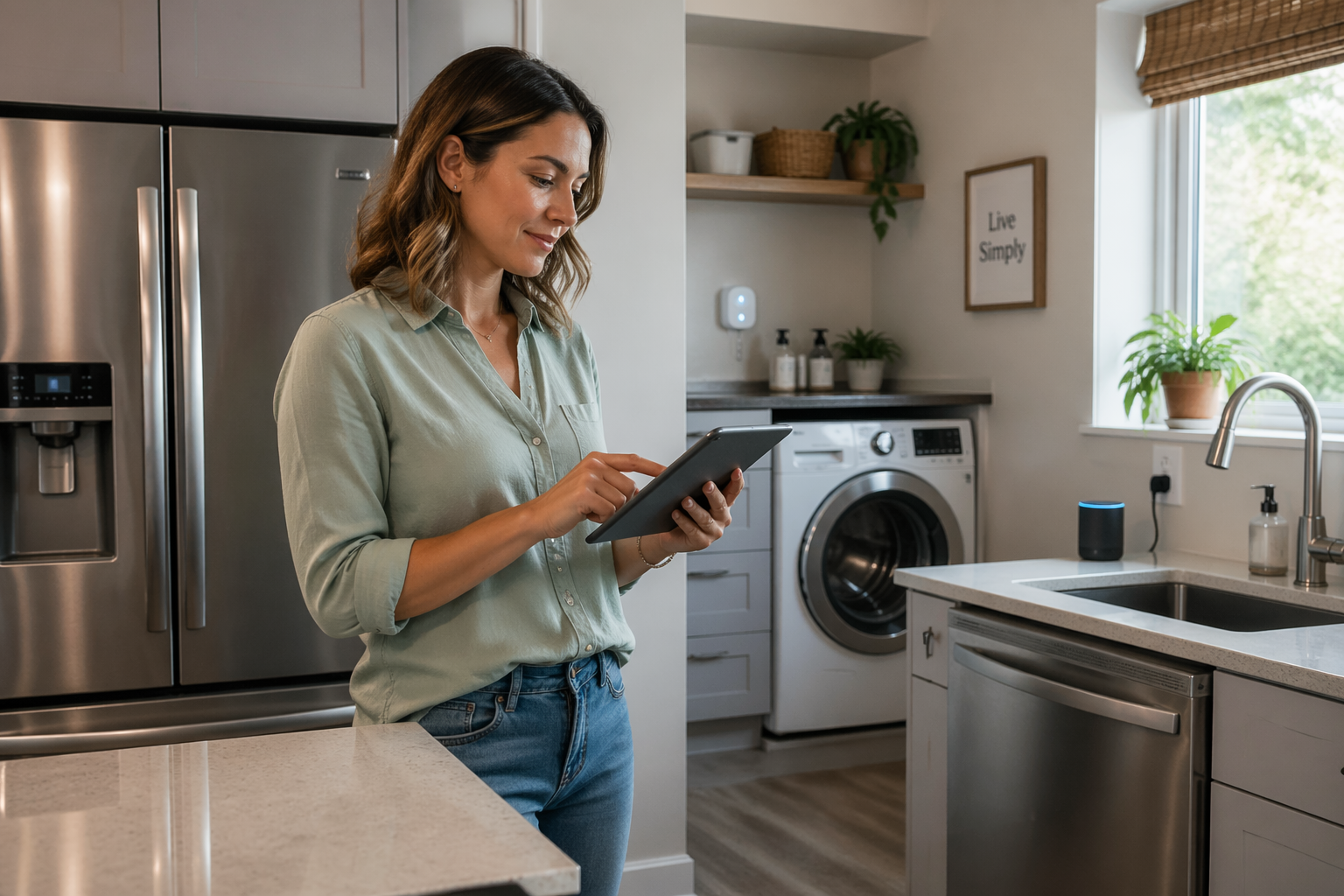
If you want one rule that keeps you out of trouble, automate information and coordination, not the appliance’s core function. That still gives you 90 percent of the convenience, and it keeps the risk low.
Detecting appliance states using power, vibration, or built-in sensors
The easiest signal is power draw, because most washers and dishwashers have a clear jump from standby to running. A smart plug with energy monitoring turns that jump into an appliance status sensor you can use everywhere in Home Assistant.
Pick hardware that reports power in watts and updates frequently, because a 60 second reporting interval can miss short spikes and confuse your logic. I have had good luck with Zigbee plugs that expose power and energy, and with some Wi-Fi plugs flashed to ESPHome for fully local reporting.
Vibration sensors work well on top loading washers and many dryers, especially when the machine’s standby draw is too close to “running” draw. A Zigbee vibration sensor on the side panel can be more honest than power data on machines that sip power between tumbles.
Built-in sensors are the cleanest option when you can get them locally, like an MQTT bridge for a manufacturer integration or a direct LAN API. The catch is reliability, because cloud-first devices can go silent right when you need them, so I still like a physical backup signal.
When you combine signals, keep it simple and pick a primary truth source, then treat the other sensor as a sanity check. For example, use power plug monitoring as the main state and use vibration to confirm “running” if the power reading is borderline.
Building a reliable “cycle started / running / done” state machine
A good home assistant automation for appliances is basically a small state machine that resists noise. Instead of “if watts below X then done,” you track transitions, add time thresholds, and store the current state in a helper.
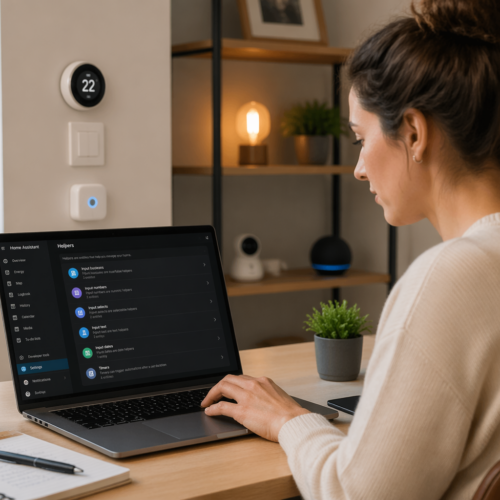
I usually create an inputselect called something like inputselect.washer_state with values idle, running, and done. That helper becomes the single source of truth for notifications, lights, and reminders, so you do not re-implement logic in five automations.
| State | Entry condition | Exit condition |
|---|---|---|
| idle | Power below standby threshold for 10 minutes | Power above start threshold for 30 seconds |
| running | Power above start threshold for 30 seconds | Power below running threshold for 5 minutes |
| done | Power below running threshold for 5 minutes after running | Door opened sensor, or manual reset button, or power above start threshold |
| error (optional) | Sensor unavailable for 3 minutes while running | Sensor returns, then re-evaluate thresholds |
Notifications and reminders that escalate without being annoying
The first cycle complete notification should be calm and useful, because you are training people to trust it. I send one push notification when the state flips to done, and I include the appliance name plus a simple action like “move laundry to dryer.”
Escalation should depend on time and context, not on repeating the same alert every five minutes. A second reminder after 20 minutes makes sense, but only if someone is home and the house is not in sleep mode.
Home Assistant makes this easier if you gate reminders with presence and time windows, like checking person entities or a group called group.anyonehome. If nobody is home, store the done time in an inputdatetime and notify the first person who returns.
For dishwashers, I avoid nagging during dinner and bedtime, because that is how automations get disabled. A simple rule like “send the first alert immediately, then wait until 8:00 AM for follow-ups” keeps it civil.
If you use voice, keep it short and reserve it for the second reminder, not the first. A speaker announcement is hard to ignore, so it should only happen when the laundry has been sitting long enough to matter.
Smart follow-ups: lights, timers, and household coordination
After the cycle ends, the best automations do small physical nudges instead of spamming phones. I like turning on a hallway light to a specific color when the washer is done, because you see it without pulling out your phone.
Timers are underrated, especially if you already use them for cooking and chores. Start a 30 minute timer when the washer hits done, and cancel it when the laundry room door opens, because that door event usually means someone is handling it.
Household coordination gets easier when you expose appliance state to everyone, like a wall tablet or a simple “Chores” view in Home Assistant. A done badge next to “dishwasher” prevents the classic argument where two people assume the other person unloaded it.
If you have multiple loads, track them explicitly instead of guessing, because state machines cannot read your mind. I use an inputnumber called laundryloads_done and increment it when the washer goes to done, then reset it at the end of the day.
For families with kids, a small reward loop works better than lectures, so make the system visible and predictable. When the dishwasher is done, a kitchen light can pulse once, and the person who unloads it can tap a button that clears the done state.
Example thresholds for washers and dishwashers (start, running, and done)
Thresholds depend on the appliance, so you should watch the power graph in the Energy dashboard or in a history card for a couple of cycles. Most washers have a low standby draw, then a burst when filling and spinning, while dishwashers often have long heating plateaus.
As a starting point, many washers look like standby under 3 W, running above 10 to 15 W, and “definitely active” above 50 W during motor work. Many dishwashers sit around 1 to 3 W idle, then jump to 800 to 1500 W when heating water, with long stretches around 5 to 30 W between pumps.
- Record one full cycle power graph before choosing thresholds
- Use a higher “start” threshold than “running” threshold
- Require 30 to 60 seconds above start threshold to enter running
- Require 3 to 8 minutes below running threshold to enter done
- Add a separate standby threshold to detect true idle
- Store thresholds in helpers for easy tuning
Creating an appliance status sensor in Home Assistant
An appliance status sensor can be as simple as a template sensor that maps watts to a word like idle or running. I still prefer a helper-based state machine, but a template sensor is great for dashboards and quick checks.
If your plug entity is sensor.washer_power, you can create a template sensor that reports “running” when power is above a threshold and “idle” otherwise. The problem is that a single threshold often misreads, so treat this as a display layer, not as the only trigger.
For a more durable setup, create inputselect.washerstate and update it with two automations, one for entering running and one for entering done. That structure makes your home assistant automation for appliances readable, and it makes future tweaks less scary.
Use “for” durations on triggers to filter noise, because appliance motors and heaters cause spikes. A trigger like “power above 15 W for 45 seconds” is boring, but boring is what you want when you rely on cycle complete notification alerts.
If you want a nice touch, add an attribute for elapsed time since start by storing a timestamp in inputdatetime.washerstarted_at. Then your notifications can say “Washer done, ran for 52 minutes,” which helps you spot weird partial cycles.
Troubleshooting misreads (idle spikes, standby draw, and sensor dropouts)
Idle spikes are the top reason a washer “starts” in Home Assistant when nobody touched it. Some machines wake up to check the door lock or run a brief pump, and power plug monitoring sees that as activity unless you require a longer “start” duration.
Standby draw is the second issue, especially on dishwashers with always-on displays or leak sensors. If standby sits at 4 to 6 W, a naive “below 5 W means done” rule will never fire, so you need a done threshold that matches your actual appliance.
Sensor dropouts happen with cheap Wi-Fi plugs, crowded Zigbee meshes, or plugs on the edge of range behind metal appliances. If the power sensor goes to unavailable while the machine is running, your state machine should freeze in running and raise an “error” state after a timeout.
I also watch for plugs that report power only every 60 seconds, because they can miss the short bursts that prove a cycle is still active. If you cannot change reporting, increase your “done” delay so the state does not flip during a quiet part of the cycle.
When you tune, change one thing at a time and keep notes, because it is easy to overfit to one weird load. After two weeks you want boring consistency, not perfection on a single Sunday afternoon test.
Dishwasher specifics: drying phases, door sensors, and morning reminders
Dishwashers are trickier than washers because “done” is not always the same as “safe to unload.” Many models finish washing, then run a low-power fan or sit warm for a long dry, which can look like idle if you only watch for heating spikes.
If you can add a door contact sensor to the dishwasher door or nearby cabinet, it becomes the best reset signal you can get. When the door opens after a done event, you can clear the done state and stop reminders immediately.
I like a two-stage done logic for dishwashers, one state for washcomplete and another for readytounload. Washcomplete can fire when power stays under a low threshold for 10 minutes, and readytounload can fire after an extra 30 minutes if you want cooler dishes.
Morning reminders work well for households that run the dishwasher overnight, but only if they respect sleep. A single notification at 7:30 AM that says “Dishwasher is clean” is enough, and a second reminder can wait until someone enters the kitchen.
For quiet homes, a small light cue beats a loud chime, so I avoid speaker announcements for dishwashers unless the machine has been ignored all day. If you do use voice, tie it to a presence sensor in the kitchen so it fires when someone can act on it.
Laundry specifics: multiple loads, dryer handoff, and wrinkle prevention
Laundry routines get messy because people run back-to-back loads and the state machine sees “running again” before anyone moved clothes. The fix is to treat “done” as sticky until a clear human action happens, like the laundry room door opening or a button press on a dashboard.
If you also monitor the dryer with a second plug or vibration sensor, you can build a handoff routine that feels natural. When the washer goes done, start a “move to dryer” timer, and cancel it if the dryer enters running within 15 minutes.
Wrinkle prevention is a real quality of life upgrade, because wet laundry left too long turns into a second chore. A reminder at 15 minutes is polite, and a stronger reminder at 45 minutes is fair if someone is home and awake.
If you want to get fancy without being fragile, add a “laundry mode” toggle that changes behavior on busy days. When laundry mode is on, you can allow more reminders and show a persistent card on a wall tablet, and when it is off the system stays quiet.
For shared households, I like assigning ownership with a quick action, like a notification button that says “I will handle it.” That small bit of coordination stops the passive confusion that turns into a pile of clean clothes living in the basket.
Conclusion
Appliance automations work when you accept that sensors lie sometimes and you design for it. A simple state machine, decent thresholds, and a clear appliance status sensor make home assistant automation for appliances boring in the best way.
Power plug monitoring is usually the best starting point, and you can layer vibration or a door contact when the graphs get weird. Once the system can reliably call “done,” your cycle complete notification and reminders become something people trust instead of ignore.
The best routines do not try to control the appliance, they help the household act at the right moment. When your dishwasher and laundry stop being background anxiety, Home Assistant earns its spot on your network.