
Imagine waking up each morning feeling refreshed and ready to tackle the day. A consistent sleep schedule and a relaxing bedtime routine can make this a reality. With the power of Home Assistant, you can automate your environment to promote better sleep and a more energized morning.
This article will guide you through setting up a Home Assistant Sleep Routine Automation, turning your home into a sleep sanctuary. We’ll explore everything from automating lights and temperature to integrating sleep tracking devices for a personalized and data-driven approach to sleep optimization.
Say goodbye to restless nights and groggy mornings. Let’s build your ideal sleep routine with the help of sleep automation and the flexibility of Home Assistant.
Understanding the Importance of a Sleep Routine
A consistent sleep routine is more than just a nice habit; it’s a cornerstone of overall health and well-being. Our bodies operate on a natural 24-hour cycle called the circadian rhythm, which regulates sleep-wake patterns, hormone release, and other essential functions.
Disrupting this rhythm, through inconsistent bedtimes or exposure to artificial light at night, can lead to a host of problems. These include insomnia, weakened immunity, and increased risk of chronic diseases.
Establishing a regular bedtime routine helps to synchronize your circadian rhythm, making it easier to fall asleep and wake up at consistent times. This, in turn, can improve sleep quality, boost daytime energy levels, and enhance cognitive function.
Think of your sleep routine as a signal to your body that it’s time to wind down and prepare for rest. By consistently following a set of relaxing activities before bed, you can train your body to associate these cues with sleep, making the transition to slumber smoother and more efficient.
The circadian rhythm isn’t just about sleep; it influences numerous bodily processes. These include body temperature, hormone production, and even appetite.
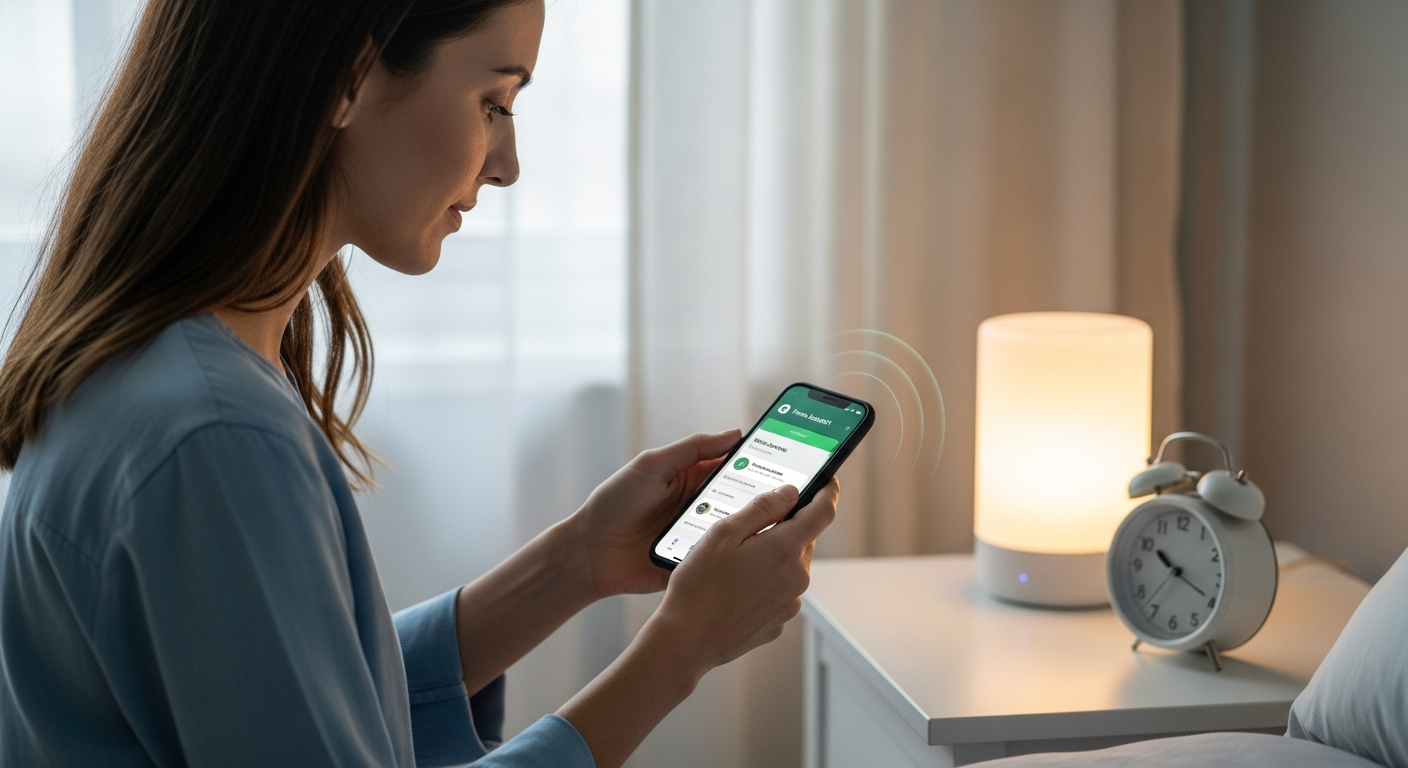
When your sleep schedule is erratic, these processes become disrupted, leading to a cascade of negative effects. This can manifest as fatigue, difficulty concentrating, mood swings, and increased susceptibility to illness.
Furthermore, chronic sleep deprivation has been linked to an increased risk of serious health conditions such as obesity, diabetes, heart disease, and even certain types of cancer. Prioritizing sleep and establishing a consistent routine is therefore an essential component of preventative healthcare.
Creating a sleep routine isn’t about rigid rules; it’s about creating a predictable and calming environment that signals to your body that it’s time to rest. This might involve dimming the lights, taking a warm bath, or reading a book.
The key is to find activities that you find enjoyable and relaxing, and to incorporate them into your routine consistently. Over time, your body will learn to associate these activities with sleep, making it easier to fall asleep quickly and stay asleep throughout the night.
Planning Your Ideal Sleep Routine
Before diving into automation, it’s important to define what your ideal sleep routine looks like. Consider your personal preferences, lifestyle, and any specific sleep challenges you face.
Start by identifying your optimal bedtime and wake-up time. Aim for consistency, even on weekends, to maintain a stable circadian rhythm.
Next, brainstorm activities that help you relax and unwind in the hour or two leading up to bed. This might include taking a warm bath, reading a book, listening to calming music, or practicing meditation.
It’s also important to identify and eliminate any potential sleep disruptors. These could be anything from screen time before bed and caffeine consumption in the evening to a noisy or uncomfortable sleep environment.
Finally, consider any specific needs or preferences you have related to your sleep environment. Do you prefer a cool, dark room? Do you like to use a white noise machine or essential oil diffuser?
Once you have a clear picture of your ideal sleep routine, you can start to translate it into automated actions using Home Assistant. This will ensure that your environment is perfectly optimized for sleep each and every night.
Think about what truly relaxes you. Is it a hot shower, or perhaps reading a paperback novel?
Consider the sensory aspects of your ideal routine. What smells, sounds, and textures are most soothing to you?
Perhaps a lavender-scented pillow spray, the gentle hum of a fan, or the soft feel of a weighted blanket would enhance your sleep experience. These sensory details can be easily incorporated into your Home Assistant automation.
It’s also crucial to be realistic about your lifestyle and commitments. If you frequently work late or travel, your sleep routine may need to be more flexible.
However, even with a busy schedule, you can still prioritize sleep by establishing a consistent bedtime as often as possible and creating a simplified wind-down routine that you can easily follow, even on the go.
Don’t be afraid to experiment with different activities and settings to find what works best for you. Sleep is a highly individual experience, and what works for one person may not work for another.
The key is to be mindful of your body’s signals and to create a routine that supports your natural sleep-wake cycle. With a little planning and experimentation, you can create an ideal sleep routine that will help you wake up feeling refreshed and energized every morning.
Automating Lights, Temperature, and Sound
One of the most impactful ways to improve your sleep environment is by automating your lights, temperature, and sound. These factors play a significant role in regulating your circadian rhythm and promoting restful sleep.
Home Assistant provides a powerful platform for controlling these elements, allowing you to create a personalized and automated sleep sanctuary.
| Element | Automation Strategy | Example Devices |
|---|---|---|
| Lights | Gradually dim lights in the evening, switch to warmer color temperatures, and turn off all lights at bedtime. | Philips Hue, LIFX, Smart Bulbs |
| Temperature | Lower the thermostat a few hours before bed to create a cooler sleep environment. | Nest Thermostat, Ecobee, Smart AC Controllers |
| Sound | Play calming sounds like white noise or nature sounds to mask distracting noises. | Sonos Speakers, Google Home, Bluetooth Speakers |
| Blinds/Curtains | Automatically close blinds or curtains at sunset to block out external light. | Ikea FYRTUR, Somfy, Smart Blinds Motors |
For lighting, consider using smart bulbs that allow you to adjust both brightness and color temperature. As evening approaches, gradually dim the lights and shift to warmer, more relaxing color tones, mimicking the natural sunset.
Temperature is another crucial factor. Most people sleep better in a cooler environment, so automate your thermostat to lower the temperature a few hours before bed.
The gradual dimming of lights can be achieved using Home Assistant’s automation features. You can create a series of steps that slowly reduce the brightness of your lights over a period of 30 minutes or an hour.
This gradual transition helps your body naturally produce melatonin, the hormone that regulates sleep. Avoid sudden changes in brightness, as these can be disruptive and make it harder to fall asleep.
For temperature control, consider using a smart thermostat that can be programmed to automatically adjust the temperature throughout the night. You can set a schedule that gradually lowers the temperature in the evening and then raises it again in the morning.
Experiment with different temperature settings to find what works best for you. Some people prefer a very cool room, while others prefer a slightly warmer temperature. The ideal temperature for sleep is typically between 60 and 67 degrees Fahrenheit.
Sound automation can be used to mask distracting noises and create a more peaceful sleep environment. You can use a white noise machine, a fan, or a smart speaker to play calming sounds like nature sounds, ambient music, or binaural beats.
Experiment with different sounds to find what helps you relax and fall asleep. Avoid loud or jarring sounds, as these can be disruptive and prevent you from getting a good night’s rest.
By carefully automating your lights, temperature, and sound, you can create a sleep environment that is perfectly tailored to your individual needs and preferences. This will help you fall asleep faster, sleep more soundly, and wake up feeling refreshed and energized.
Creating a Wind-Down Sequence
A wind-down sequence is a series of automated actions that gradually prepare your home for sleep. This could involve dimming the lights, adjusting the thermostat, playing calming music, and even locking the doors.
The goal is to create a seamless transition from your active evening routine to a peaceful and restful sleep environment.
In Home Assistant, you can create a “Night Mode” scene that encapsulates all of these actions. This scene can be triggered manually or automatically based on a timer or other conditions.
For example, you could set the “Night Mode” scene to activate at 10:00 PM every night. This would automatically dim the lights, lower the thermostat, start playing white noise, and lock the front door.
You can also customize the sequence to include other actions that support your personal sleep routine. Perhaps you want to turn on an essential oil diffuser, activate a bedside reading light, or even send a notification to your phone reminding you to take your medication.
The possibilities are endless, and the beauty of Home Assistant is that you can tailor the wind-down sequence to perfectly match your individual needs and preferences. This level of personalization is key to creating an effective and sustainable sleep routine.
Consider adding a gentle notification to your phone 30 minutes before your bedtime, reminding you to start winding down. This can serve as a cue to put away your screens and begin your relaxation routine.
If you enjoy reading before bed, you can automate a bedside lamp to turn on at a low brightness level when your “Night Mode” scene is activated. This will provide enough light to read without being too stimulating.
For those who find aromatherapy relaxing, consider integrating an essential oil diffuser into your wind-down sequence. You can program it to turn on automatically and diffuse calming scents like lavender or chamomile.
If you have a smart TV, you can even program it to display a calming screensaver or play relaxing nature videos as part of your wind-down sequence. This can help you disengage from stimulating content and prepare for sleep.
Don’t forget about security. You can integrate your smart locks into your “Night Mode” scene to automatically lock all of your doors and windows before you go to bed. This will give you peace of mind and ensure that your home is secure.
The key to a successful wind-down sequence is to make it consistent and enjoyable. By automating these actions, you can create a predictable and relaxing routine that will help you fall asleep faster and sleep more soundly.
Integrating with Sleep Tracking Devices
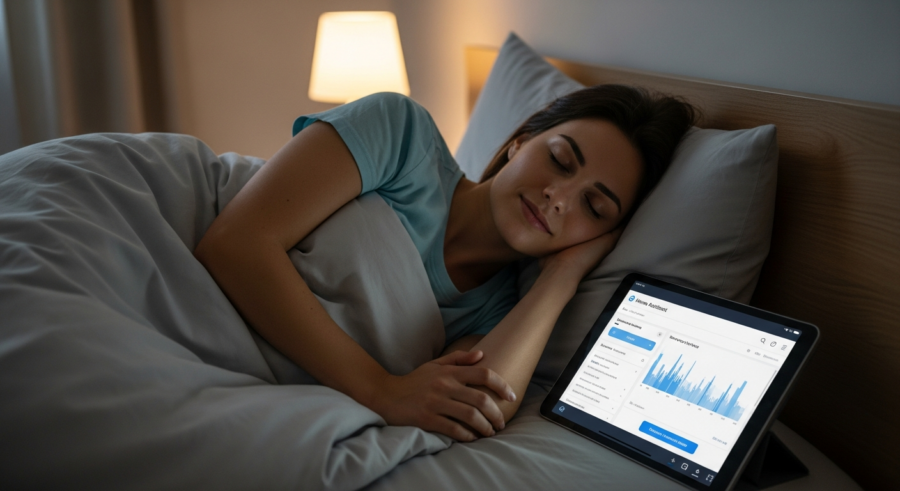
Taking your sleep automation to the next level involves integrating with sleep tracking devices. These devices, such as sleep trackers or smartwatches, can provide valuable data about your sleep patterns, including sleep duration, sleep stages, and heart rate.
By integrating this data into Home Assistant, you can create even more personalized and responsive automations.
For instance, you could use your sleep tracker to automatically turn off your bedside lamp when it detects that you’ve fallen asleep. Or, you could use heart rate data to adjust the thermostat if you’re tossing and turning due to being too hot or cold.
Many popular sleep tracking devices, such as Fitbit, Withings, and Sleep Number beds, offer integrations with Home Assistant. These integrations allow you to access sleep data and trigger automations based on specific sleep events.
However, some integrations may require custom code or the use of third-party integrations. Be sure to research the compatibility of your chosen sleep tracking device with Home Assistant before making a purchase.
With the right integration, you can gain a deeper understanding of your sleep patterns and create a truly personalized and data-driven approach to sleep optimization. This is where the power of Home Assistant really shines, allowing you to create a smart home that truly caters to your individual needs.
Imagine your smart bed detecting you’re restless. It could then subtly adjust the firmness or angle to help you find a more comfortable position.
If your sleep tracker detects you’re consistently waking up at the same time each morning, Home Assistant can gradually brighten your smart lights to mimic a natural sunrise, gently waking you up.
You could also use sleep data to track the effectiveness of different sleep interventions. For example, if you try a new aromatherapy blend, you can monitor your sleep quality to see if it has a positive impact.
Home Assistant can also learn from your sleep patterns over time. It can identify trends and suggest adjustments to your sleep routine to optimize your sleep quality.
For example, if it notices that you consistently sleep better on nights when you take a warm bath before bed, it can automatically remind you to take a bath on those nights.
The integration of sleep tracking devices with Home Assistant opens up a world of possibilities for personalized sleep automation. By leveraging the power of data, you can create a truly smart home that supports your sleep and helps you wake up feeling your best.
Benefits of Using Sleep Tracking Devices
Using sleep tracking devices offers several benefits that can greatly enhance your sleep automation setup. These devices provide valuable insights into your sleep patterns, enabling you to make informed adjustments to your routine.
By understanding how long you sleep, the stages you go through, and your heart rate during sleep, you can optimize your environment for better rest.
- Personalized automation triggers
- Data-driven insights into sleep quality
- Identification of sleep disruptors
- Optimization of sleep environment
- Improved sleep consistency
Moreover, sleep tracking devices can help you identify potential sleep disruptors that you may not be aware of. For example, you might discover that your room temperature fluctuates significantly during the night, or that you’re experiencing frequent awakenings due to noise.
Armed with this information, you can fine-tune your Home Assistant Sleep Routine Automation to address these specific issues, leading to more restful and restorative sleep. This proactive approach is key to long-term sleep improvement.
Sleep tracking allows for a more objective assessment of your sleep. Relying solely on how you feel you slept can be misleading.
The data collected can reveal subtle patterns and trends that you might otherwise miss. This can be particularly helpful in identifying underlying sleep problems that require further investigation.
By tracking your sleep over time, you can also monitor the effectiveness of different interventions, such as changes in your diet, exercise routine, or sleep environment. This allows you to make data-driven decisions about what works best for you.
Furthermore, sleep tracking can provide motivation to stick to your sleep routine. Seeing the positive impact of your efforts on your sleep quality can be a powerful incentive to maintain healthy sleep habits.
However, it’s important to remember that sleep tracking devices are not perfect. They can be inaccurate, and the data they provide should be interpreted with caution.
It’s always best to consult with a healthcare professional if you have concerns about your sleep. They can provide a more comprehensive assessment of your sleep and recommend appropriate treatment options.
Testing and Refining Your Sleep Routine
Once you’ve set up your Home Assistant Sleep Routine Automation, it’s important to test and refine it to ensure it’s working effectively. Don’t expect to achieve perfect sleep overnight; it’s a process of experimentation and adjustment.
Start by manually triggering your “Night Mode” scene and observing how your home responds. Do the lights dim smoothly? Does the temperature adjust as expected?
Pay attention to how you feel as you go through the routine. Do you find the changes relaxing and conducive to sleep? Are there any aspects that feel jarring or uncomfortable?
Use your sleep tracking device to monitor your sleep patterns over the next few nights. Are you falling asleep faster? Are you waking up less often during the night?
Based on your observations and sleep data, make adjustments to your automation as needed. Perhaps you need to tweak the timing of certain actions, adjust the temperature settings, or experiment with different calming sounds.
Be patient and persistent, and don’t be afraid to experiment. The goal is to create a sleep routine that works perfectly for you, and that may take some time and effort to achieve.
Keep a sleep journal to document your experiences. Note down the time you went to bed, the time you woke up, and how you felt throughout the night.
Also, record any factors that might have affected your sleep, such as stress, caffeine consumption, or changes in your environment. This journal will provide valuable insights into your sleep patterns and help you identify areas for improvement.
Don’t be afraid to seek feedback from others. Ask your partner or roommate if they’ve noticed any changes in your sleep behavior since you started using your Home Assistant Sleep Routine Automation.
They may be able to provide valuable insights that you haven’t considered. For example, they might notice that you’re snoring less or that you’re less restless during the night.
Remember that your sleep needs may change over time. As you age, your body’s natural sleep-wake cycle may shift, and you may need to adjust your sleep routine accordingly.
Be flexible and willing to adapt your automation as needed to ensure that you’re always getting the best possible sleep.
The key to a successful sleep routine is to be consistent and to listen to your body. By paying attention to your sleep patterns and making adjustments as needed, you can create a sleep environment that promotes restful and restorative sleep.
Troubleshooting Common Issues
Setting up a Home Assistant Sleep Routine Automation can sometimes present challenges. Here are some common issues you might encounter and how to troubleshoot them.
If your lights aren’t dimming properly, check that your smart bulbs are compatible with Home Assistant and that they are properly configured. Ensure that the dimming settings in your automation are also correctly set.
If your thermostat isn’t adjusting the temperature as expected, verify that it is properly connected to Home Assistant and that the target temperature is within a reasonable range. Also, check for any conflicting schedules or settings on the thermostat itself.
If your sleep tracking device isn’t integrating correctly, double-check the API keys or authentication credentials you’ve entered into Home Assistant. Consult the device’s documentation or online forums for specific troubleshooting steps.
If you’re experiencing unexpected errors or glitches, try restarting Home Assistant or updating to the latest version. Sometimes, a simple reboot can resolve minor software issues.
Remember to consult the Home Assistant community forums and documentation for further assistance. There are many experienced users who can offer valuable insights and solutions to common problems.
Double-check your network connectivity. Many smart home devices rely on a stable Wi-Fi connection to function properly.
If you’re experiencing intermittent connectivity issues, try restarting your router or moving your devices closer to the router. You may also need to upgrade your router to a more powerful model to support all of your smart home devices.
Make sure your Home Assistant instance is up-to-date. Outdated software can sometimes cause compatibility issues with certain devices or integrations.
Check the logs for error messages. Home Assistant logs can provide valuable clues about what’s going wrong. Look for error messages related to your sleep routine automation or any of the devices involved.
Simplify your automation to isolate the problem. If you’re experiencing issues with a complex automation, try breaking it down into smaller, simpler automations to identify the source of the problem.
Test each component of your automation individually. This will help you determine whether the problem is with a specific device, integration, or automation rule.
Don’t be afraid to ask for help. The Home Assistant community is a great resource for troubleshooting common issues. Post your question on the forums or in the Discord chat, and you’re likely to get helpful advice from experienced users.
Advanced Customization Options
Once you’ve mastered the basics of sleep automation with Home Assistant, you can explore more advanced customization options to further enhance your sleep routine. Consider integrating with weather data to adjust your thermostat based on the outside temperature.
If it’s a particularly cold night, you might want to increase the temperature slightly to ensure you stay warm and comfortable.
You can also use motion sensors to detect when you get out of bed during the night and automatically turn on a dim night light. This can help you navigate your home safely without fully waking yourself up.
Another advanced option is to integrate with your calendar to adjust your bedtime routine based on your schedule. If you have an early morning meeting, you might want to start your wind-down sequence earlier than usual.
You could even use voice control to trigger your “Night Mode” scene or adjust individual settings. Simply say, “Hey Google, turn on Night Mode,” or “Alexa, make the bedroom warmer.”
The possibilities are truly endless, and the more you explore the capabilities of Home Assistant, the more personalized and effective your sleep automation can become. Don’t be afraid to experiment and push the boundaries of what’s possible.
Consider integrating with your smart blinds to automatically adjust the amount of light entering your room in the morning. You can program them to gradually open as your wake-up time approaches, mimicking a natural sunrise.
If you have a smart coffee maker, you can even program it to start brewing your coffee automatically as soon as you wake up. This will give you a caffeine boost to help you get going in the morning.
For those who enjoy listening to music in the morning, you can create a “Morning Mode” scene that automatically turns on your favorite playlist and adjusts the volume to a comfortable level.
You can also use Home Assistant to track your sleep debt. By monitoring your sleep duration each night, you can calculate how much sleep you’re missing and adjust your sleep schedule accordingly.
If you have a partner, you can even create separate sleep routines for each of you. This will allow you to customize your sleep environment to your individual needs and preferences.
For example, one person might prefer a cooler room and a white noise machine, while the other might prefer a warmer room and calming music. With Home Assistant, you can create a sleep environment that is perfectly tailored to both of your needs.
Conclusion
Setting up a Home Assistant Sleep Routine Automation is a worthwhile investment in your health and well-being. By automating your lights, temperature, and sound, integrating with sleep tracking devices, and creating a personalized wind-down sequence, you can transform your home into a sleep sanctuary.
Remember that consistency is key, and that it may take some time and experimentation to find the perfect settings for your individual needs. Be patient, persistent, and don’t be afraid to make adjustments along the way.
With the power of sleep automation and the flexibility of Home Assistant, you can say goodbye to restless nights and hello to a more energized and productive life. Start building your ideal sleep routine today and experience the transformative benefits of a well-rested mind and body.
The journey to better sleep is a personal one. Embrace the process of experimentation and discovery.
Don’t be discouraged if you don’t see results immediately. It takes time for your body to adjust to a new sleep routine.
Celebrate your successes along the way. Every small improvement in your sleep quality is a step in the right direction.
Share your experiences with others. By sharing your knowledge and insights, you can help others improve their sleep as well.
Remember that sleep is essential for your physical and mental health. Prioritizing sleep is one of the best things you can do for yourself.
With the help of Home Assistant and a little bit of effort, you can create a sleep routine that will help you wake up feeling refreshed, energized, and ready to take on the world.