
Integrating your garage door opener with Home Assistant can revolutionize your home automation setup. Imagine controlling your garage door from anywhere, receiving notifications when it’s opened or closed, and creating automated routines that simplify your life. This guide will walk you through the process of setting up your garage door openers home assistant integration, step by step.
We will cover everything from choosing compatible hardware to creating custom automations that fit your specific needs. Get ready to take your smart home to the next level with seamless garage door automation.
By the end of this article, you’ll have a fully functional and secure smart garage door system. Let’s get started and explore the possibilities of garage automation.
Benefits of Integrating Your Garage Door Opener with Home Assistant
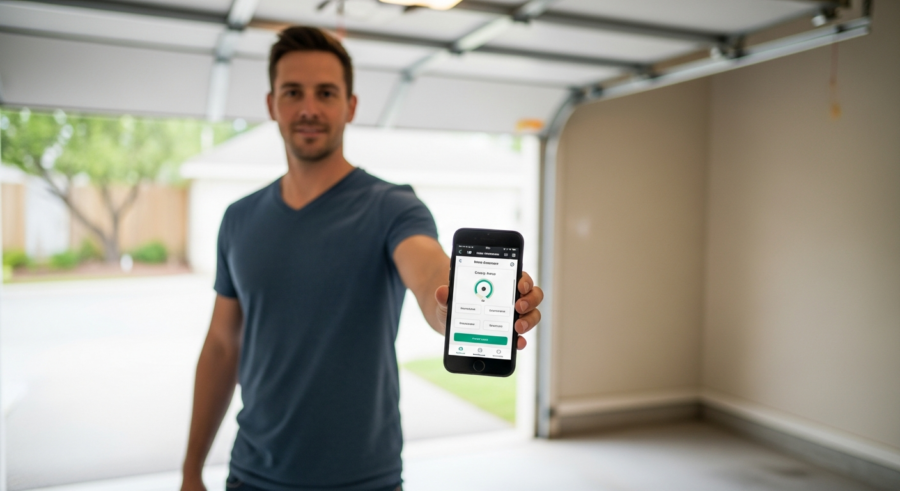
Integrating your garage door opener with Home Assistant offers a multitude of benefits that enhance convenience, security, and overall home automation. One of the primary advantages is remote control, allowing you to open or close your garage door from anywhere with an internet connection.
This is particularly useful when you’re away from home and need to grant access to a delivery person or a family member. Another significant benefit is the ability to receive real-time notifications on your smartphone whenever the garage door is opened or closed.
This feature helps you stay informed about the status of your garage, providing peace of mind and enhancing security. You can also integrate your garage door with other smart home devices and create custom automation routines.
For example, you can set up a routine that automatically closes the garage door at a specific time each night or when you leave home. This level of automation not only simplifies your daily life but also helps you save energy and improve home security.
Choosing a Compatible Garage Door Opener
Selecting the right garage door opener is crucial for a seamless integration with Home Assistant. Not all garage door openers are created equal, and compatibility varies depending on the brand and model.
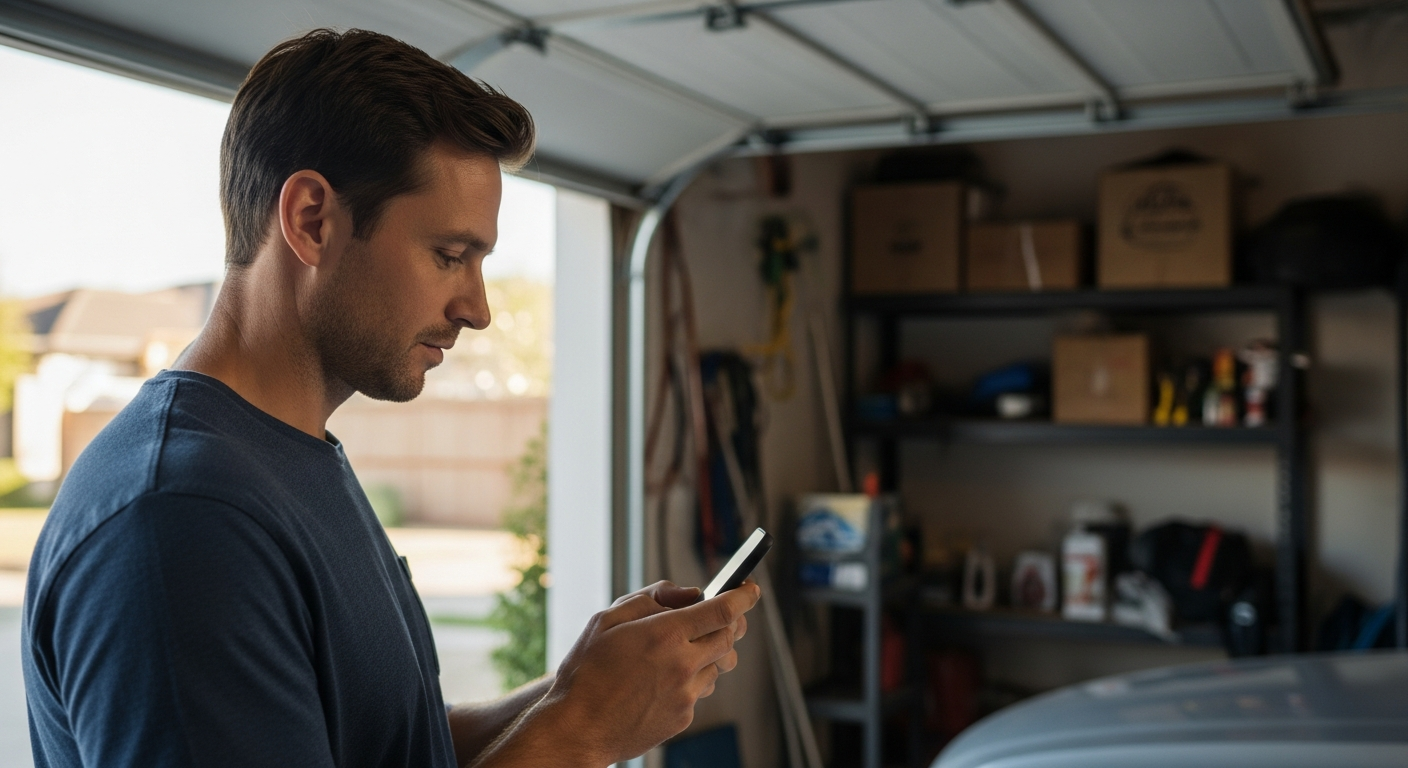
Ideally, you should look for a garage door opener that explicitly supports smart home integration or offers compatibility with third-party smart home devices. Chamberlain’s MyQ technology is a popular option, but it often requires a subscription or a workaround to integrate fully with Home Assistant.
Alternatively, you can opt for a “dumb” garage door opener and add a smart controller that provides the necessary connectivity. These controllers typically use Wi-Fi or Z-Wave to communicate with your home automation system.
When choosing a smart controller, ensure it is compatible with Home Assistant and offers the features you need, such as remote control, status monitoring, and integration with other smart home devices. Researching user reviews and checking compatibility lists can help you make an informed decision and avoid potential issues down the road.
Essential Hardware for Garage Door Automation
To successfully automate your garage door with Home Assistant, you’ll need a few essential hardware components. First and foremost, you’ll need a compatible garage door opener or a smart garage door controller.
As mentioned earlier, some openers come with built-in smart features, while others require an aftermarket controller. A reliable Home Assistant hub is also crucial; this could be a Raspberry Pi running Home Assistant OS, a dedicated Home Assistant Yellow device, or a virtual machine on a server.
| Component | Description | Example |
|---|---|---|
| Garage Door Opener | The physical mechanism that opens and closes your garage door. | Chamberlain MyQ, LiftMaster |
| Smart Controller | Connects your garage door opener to your smart home network. | Meross Smart Garage Door Opener, Shelly 1 |
| Home Assistant Hub | The central device running Home Assistant software. | Raspberry Pi 4, Home Assistant Yellow |
| Door Sensor | Detects whether the garage door is open or closed. | Aqara Door and Window Sensor, Z-Wave Door Sensor |
Additionally, you’ll need a door sensor to accurately detect whether the garage door is open or closed. This sensor can be a simple magnetic contact sensor or a more advanced tilt sensor, depending on your preference and the specific requirements of your smart controller.
Finally, ensure you have a stable and reliable Wi-Fi network in your garage to facilitate communication between the smart controller and your Home Assistant hub. With these hardware components in place, you’ll be well-equipped to set up your smart garage door automation system.
Connecting Your Garage Door Opener to Home Assistant
Once you have the necessary hardware, the next step is to connect your garage door opener to Home Assistant. The process varies depending on the type of garage door opener and smart controller you are using.
If you have a MyQ-enabled garage door opener, you can use the MyQ integration in Home Assistant. However, keep in mind that this integration may require a subscription or a workaround to function reliably.
For smart controllers like Meross or Shelly, you’ll typically need to add the device to your Wi-Fi network and then configure it in Home Assistant using the appropriate integration. This usually involves entering the device’s IP address or using a discovery feature to automatically detect the device on your network.
If you’re using a Z-Wave-based controller, you’ll need a Z-Wave USB dongle connected to your Home Assistant hub and use the Z-Wave JS integration to add the device. Once the garage door opener is connected, you’ll need to configure the door sensor to accurately report the open/closed status of the garage door.
Configuring the Garage Door Opener in Home Assistant
After successfully connecting your garage door opener to Home Assistant, the next step is to configure it properly within the Home Assistant interface. This involves setting up the necessary entities and configuring the device to function as a garage door opener.
In Home Assistant, a garage door opener is typically represented as a cover entity. You’ll need to ensure that the device is correctly identified as a cover entity and that the open, close, and stop actions are properly configured.
This may involve adjusting the device configuration in the Home Assistant UI or editing the YAML configuration file directly. Additionally, you’ll need to configure the door sensor to accurately report the state of the garage door.
This involves creating a binary sensor entity that reflects the open/closed status of the door and linking it to the cover entity. You may also need to adjust the device settings to ensure that the open and close actions are triggered correctly and that the status is updated in real-time.
Creating Automations for Garage Door Control
With your garage door opener connected and configured in Home Assistant, you can now create automations to control it. Automations allow you to define specific actions that occur when certain conditions are met.
For example, you can create an automation that automatically closes the garage door at a specific time each night. Or, you can set up an automation that closes the garage door when you leave home, based on your phone’s location.
To create an automation, you’ll need to define a trigger, a condition (optional), and an action. The trigger specifies when the automation should run, such as at a specific time, when a device changes state, or when a location is entered or exited.
The condition specifies additional criteria that must be met for the automation to run, such as the time of day or the state of another device. The action specifies what should happen when the trigger and condition are met, such as opening or closing the garage door.
Example Automations for Smart Garage Door Control
Let’s explore some example automations that you can create for smart garage door control with Home Assistant. One popular automation is to automatically close the garage door at a specific time each night, ensuring that it’s always secured.
Another useful automation is to close the garage door when you leave home, based on your phone’s location. This requires setting up location tracking in Home Assistant and creating an automation that triggers when your phone exits your home zone.
- Close garage door at 10 PM every night
- Open garage door when arriving home
- Send notification if garage door is left open for more than 30 minutes
- Close garage door when alarm system is armed
- Open garage door when a specific user enters a geo-fenced area
You can also create an automation that sends you a notification if the garage door is left open for more than a specified period, such as 30 minutes. This helps you stay informed about the status of your garage and prevent potential security breaches.
These are just a few examples, and the possibilities are endless. You can customize your automations to fit your specific needs and preferences, creating a truly personalized smart home experience.
Security Considerations for Smart Garage Doors
While smart garage doors offer numerous benefits, it’s crucial to consider the security implications and take steps to protect your home. One of the primary concerns is unauthorized access to your garage, which could potentially lead to access to your home.
To mitigate this risk, it’s essential to use strong passwords for your Home Assistant account and any related services. Additionally, enable two-factor authentication (2FA) to add an extra layer of security.
It’s also a good idea to regularly review your Home Assistant logs to identify any suspicious activity. Consider using a VPN to encrypt your internet traffic and protect your smart home devices from external threats.
Another security measure is to use a garage door opener with rolling codes, which change the access code each time the door is opened or closed. By implementing these security measures, you can minimize the risk of unauthorized access and enjoy the convenience of a smart garage door with peace of mind.
Troubleshooting Garage Door Opener Issues
Even with careful planning and setup, you may encounter issues with your smart garage door opener. One common problem is connectivity issues, where the garage door opener or smart controller loses connection to your Wi-Fi network.
This can be caused by a weak Wi-Fi signal in the garage, interference from other devices, or a malfunctioning router. To troubleshoot this, try moving your router closer to the garage or using a Wi-Fi extender to improve the signal strength.
Another common issue is incorrect status reporting, where the door sensor fails to accurately report the open/closed status of the garage door. This can be caused by a misaligned sensor, a low battery, or a faulty connection.
To resolve this, check the alignment of the sensor, replace the battery, and ensure that the wiring is secure. If you’re still experiencing issues, consult the documentation for your garage door opener and smart controller or seek help from the Home Assistant community.
Advanced Home Assistant Garage Door Integrations
Once you’ve mastered the basics of integrating your garage door opener with Home Assistant, you can explore more advanced integrations. One such integration is using presence detection to automatically open the garage door as you approach your home.
This can be achieved by using your phone’s location or a dedicated presence sensor to trigger the garage door to open when you enter a predefined zone. Another advanced integration is using voice control to open or close the garage door using Amazon Alexa or Google Assistant.
This requires setting up the Home Assistant Cloud or using a local voice control solution like Rhasspy. You can also integrate your garage door with your home security system, so that the garage door automatically closes when the alarm is armed.
These advanced integrations can further enhance the convenience and security of your smart home, creating a seamless and automated experience. You can also integrate security cameras to monitor the garage door, providing a visual confirmation of its status.
DIY vs. Professional Installation for Smart Garage Doors
When it comes to setting up a smart garage door system, you have the option of DIY installation or hiring a professional. DIY installation can save you money, but it requires some technical knowledge and comfort working with electrical components.
If you’re comfortable with basic wiring and have experience with Home Assistant, DIY installation may be a good option for you. Professional installation, on the other hand, can ensure that the system is installed correctly and safely.
This can be particularly beneficial if you’re not comfortable working with electrical components or if you want to ensure that the system is properly integrated with your existing smart home setup. However, professional installation can be more expensive, so it’s important to weigh the pros and cons before making a decision.
Consider your budget, technical skills, and comfort level when deciding whether to DIY or hire a professional. Either way, make sure to prioritize safety and follow all applicable building codes and regulations.
Future Trends in Smart Garage Door Technology
The field of smart garage door technology is constantly evolving, with new features and innovations emerging regularly. One trend is the increasing integration of artificial intelligence (AI) and machine learning (ML) to enhance the functionality and security of smart garage doors.
For example, AI-powered systems can learn your habits and automatically open the garage door when you typically arrive home. They can also detect unusual activity, such as someone attempting to break into your garage, and send you an alert.
Another trend is the increasing adoption of Matter, a new smart home connectivity standard that aims to simplify the integration of devices from different manufacturers. Matter promises to make it easier to connect your smart garage door to other smart home devices and platforms, regardless of the brand.
As technology continues to advance, we can expect to see even more innovative features and integrations in the future, making smart garage doors an increasingly integral part of the smart home ecosystem. These advancements will also improve the energy efficiency of garage doors.
Conclusion
Integrating your garage door opener with Home Assistant is a fantastic way to enhance your smart home experience. From remote control and real-time notifications to custom automations and advanced integrations, the possibilities are endless.
By following the steps outlined in this guide, you can create a secure and convenient smart garage door system that fits your specific needs. Remember to prioritize security and take steps to protect your home from unauthorized access.
With a little effort and planning, you can transform your garage door into an integral part of your smart home ecosystem. Enjoy the convenience and peace of mind that comes with a fully automated garage door.
So, dive in and start automating your garage door today; you’ll be amazed at how much simpler and more secure your life can become. Embrace the power of garage door openers home assistant integration and elevate your smart home to new heights.