
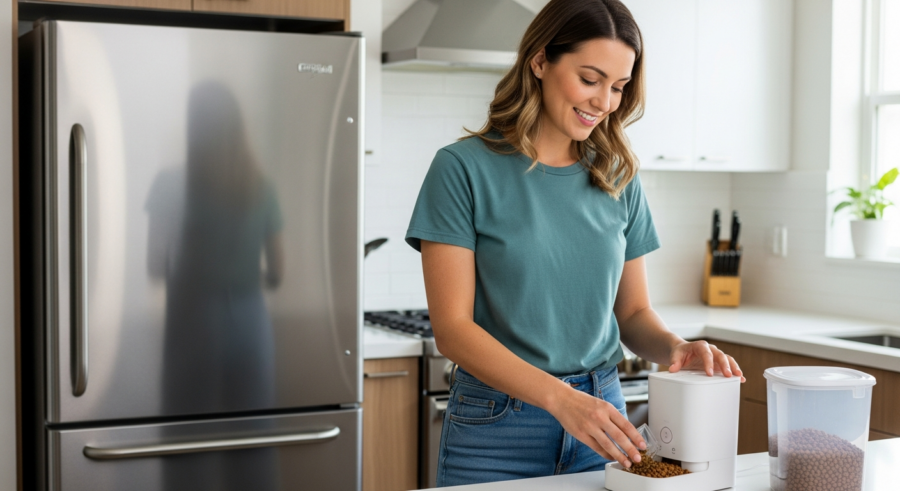
Imagine coming home after a long day, not having to worry about whether your furry friend has been fed. Smart pet feeders offer a convenient solution to ensure your pets are fed on time, every time. These devices, combined with the power of Home Assistant, can revolutionize your pet care routine, making it more efficient and stress-free.
With a little setup, you can create a fully automated system that takes care of your pet’s feeding needs, even when you’re not home. This article will guide you through the process of integrating smart pet feeders with Home Assistant to create a local-first smart home automation solution.
We’ll cover everything from choosing the right feeder to setting up feeding schedules and monitoring your pet’s eating habits. Let’s dive in and explore how to enhance your pet care using the power of smart technology and home automation.
Benefits of Using Smart Pet Feeders
Smart pet feeders offer a range of benefits that can simplify your life and improve your pet’s well-being. One of the most significant advantages is the ability to maintain a consistent feeding schedule, even when you’re away from home.
This is particularly useful for pet owners who work long hours or travel frequently. Automatic pet feeders also help in portion control, preventing overfeeding and promoting a healthy weight for your pet.
Many smart feeders come equipped with features like mobile app control and customizable feeding schedules. These features allow you to adjust feeding times and amounts remotely, ensuring your pet’s dietary needs are always met.
Some advanced models even include built-in cameras and microphones, allowing you to monitor your pet during feeding times and interact with them remotely. This can provide peace of mind and help alleviate any anxiety you might have about leaving your pet alone.
Beyond the convenience of remote control, smart feeders contribute significantly to your pet’s overall health. Consistent feeding times regulate your pet’s metabolism, leading to better digestion and nutrient absorption. This consistency is especially beneficial for pets with diabetes or other health conditions that require strict dietary management.
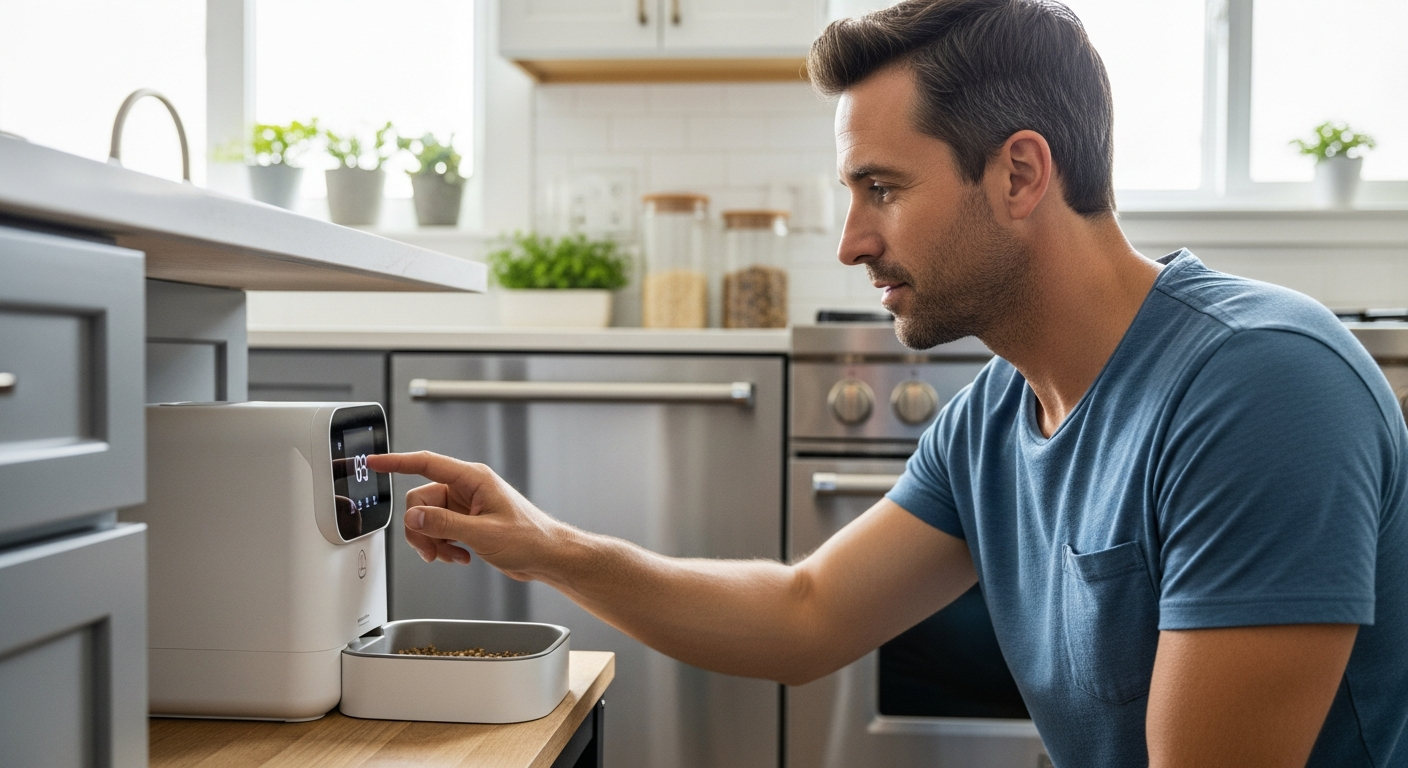
Moreover, some smart feeders integrate with other smart home devices, creating a comprehensive pet care ecosystem. For instance, you can link your smart feeder to a smart camera to automatically record your pet’s feeding sessions. This can help you track their eating habits and identify any potential issues early on.
The ability to customize feeding schedules also allows you to adapt to your pet’s changing needs. As pets age, their dietary requirements may change, and smart feeders make it easy to adjust portion sizes and feeding times accordingly. This ensures your pet receives the optimal nutrition at every stage of their life.
Furthermore, smart feeders can be a valuable tool for managing multiple pets with different dietary needs. By using separate feeders for each pet, you can ensure that each animal receives the correct amount and type of food, preventing competition and promoting healthy eating habits for all your furry companions.
Choosing the Right Smart Pet Feeder
Selecting the right smart pet feeder requires careful consideration of your pet’s needs and your specific requirements. Consider the size and type of food your pet eats when evaluating different models.
Ensure the feeder can accommodate the food size and type to prevent jams or dispensing issues. Also, think about the capacity of the feeder and how often you’ll need to refill it.
If you have multiple pets, look for a feeder that can dispense food into separate bowls or consider purchasing multiple feeders. This ensures each pet gets the correct amount of food and prevents competition during feeding times.
Another important factor is the feeder’s power source. Some feeders use batteries, while others require a wired connection, so choose one that fits your home setup and preferences.
The material of the food bowl is also a crucial consideration. Stainless steel bowls are generally recommended as they are hygienic, easy to clean, and resistant to bacteria. Avoid plastic bowls, as they can harbor bacteria and may leach harmful chemicals into your pet’s food.
Consider the feeder’s design and stability. A wide base and non-slip feet can prevent the feeder from being knocked over, especially by larger or more enthusiastic pets. Look for feeders with a secure lid to prevent your pet from accessing the food reservoir and overeating.
Evaluate the feeder’s cleaning requirements. Some feeders have removable parts that are dishwasher-safe, making cleaning quick and easy. Regular cleaning is essential to prevent the buildup of bacteria and ensure your pet’s food stays fresh.
Finally, read reviews from other pet owners to get an idea of the feeder’s reliability and performance. Pay attention to comments about the feeder’s dispensing accuracy, ease of use, and customer support. This can help you make an informed decision and choose a feeder that meets your needs and expectations.
Considerations for Home Assistant Integration
When choosing a smart pet feeder for integration with Home Assistant, compatibility is key. Look for feeders that offer local control options or have existing integrations available through Home Assistant.
Avoid feeders that rely solely on cloud services, as these can be unreliable and may not offer the level of control you desire. Local control ensures that your feeder will continue to function even if your internet connection goes down.
| Feature | Considerations | Benefits |
|---|---|---|
| Local Control | Choose feeders with local API or MQTT support | Reliable operation, privacy |
| Integration Options | Check for existing Home Assistant integrations | Easy setup, seamless automation |
| Cloud Dependency | Minimize reliance on cloud services | Reduced latency, increased security |
| API Availability | Look for open APIs for custom integrations | Flexibility, advanced customization |
Before purchasing a smart pet feeder, research its integration capabilities with Home Assistant. Check the Home Assistant community forums and documentation to see if other users have successfully integrated the feeder. This can provide valuable insights and help you avoid potential compatibility issues.
Consider the level of control you want to have over the feeder through Home Assistant. Do you simply want to schedule feeding times, or do you want to be able to monitor food levels, track your pet’s eating habits, and receive alerts for various events? Choose a feeder that offers the features and functionality you need.
Pay attention to the type of communication protocol the feeder uses. Some feeders use Wi-Fi, while others use Bluetooth or Zigbee. Wi-Fi is generally the most convenient option, as it allows you to control the feeder from anywhere with an internet connection. However, Bluetooth and Zigbee can offer better range and reliability in some situations.
Finally, consider the security implications of integrating a smart pet feeder into your home network. Ensure the feeder uses strong encryption and that you change the default password to prevent unauthorized access. Regularly update the feeder’s firmware to patch any security vulnerabilities.
Integrating Your Pet Feeder with Home Assistant
Integrating your automatic pet feeder with Home Assistant allows you to create powerful automations and monitor your pet’s feeding habits. The first step is to identify the type of integration your feeder supports.
Some feeders may have a direct integration available through the Home Assistant integrations directory. Others may require you to use a custom component or MQTT to communicate with the feeder.
To install a direct integration, navigate to the Home Assistant integrations page and search for your feeder’s brand or model. Follow the on-screen instructions to connect your feeder to Home Assistant, which usually involves entering your feeder’s login credentials or API key.
If a direct integration isn’t available, you may need to use MQTT. This involves setting up an MQTT broker and configuring your feeder to publish and subscribe to specific MQTT topics. Once configured, you can create Home Assistant entities to control and monitor your feeder through MQTT.
Before starting the integration process, ensure that your Home Assistant instance is up-to-date. This will ensure that you have the latest features and bug fixes, which can help prevent compatibility issues. Also, make sure that your smart pet feeder is connected to your Wi-Fi network and that you have its IP address or hostname.
If you’re using a custom component, download the component files and place them in the `custom_components` directory in your Home Assistant configuration folder. You may need to create this directory if it doesn’t already exist. After placing the files, restart Home Assistant to load the custom component.
When configuring MQTT, you’ll need to define the MQTT topics for controlling the feeder and receiving status updates. Refer to the feeder’s documentation or API specifications for the correct topic names and message formats. Use the Home Assistant MQTT integration to subscribe to the status topics and publish commands to the control topics.
After successfully integrating your pet feeder with Home Assistant, test the integration thoroughly to ensure that it’s working correctly. Try dispensing food manually through Home Assistant and verify that the feeder responds as expected. Also, monitor the status updates to ensure that Home Assistant is receiving accurate information about the feeder’s state.
Setting Up Feeding Schedules and Automations
Once your smart pet feeder is integrated with Home Assistant, you can start setting up feeding schedules and automations. Begin by creating a basic automation that dispenses food at specific times of the day.
Use the Home Assistant automation editor to define the trigger (time) and the action (dispense food). For example, you can set the feeder to dispense food at 7:00 AM and 6:00 PM every day.
To make your automations more sophisticated, consider adding conditions. This ensures the feeder only dispenses food under certain circumstances. For example, you might want to prevent the feeder from dispensing food if you’re already home and have manually fed your pet.
You can also create automations that adjust feeding schedules based on external factors. For instance, you could use a weather integration to reduce the amount of food dispensed on hot days when your pet is less active.
Consider creating input helpers in Home Assistant to easily adjust feeding schedules and portion sizes. Input numbers and input datetimes can be used to create a user-friendly interface for modifying these parameters without having to edit the automations directly. This allows for quick adjustments based on your pet’s needs or your personal preferences.
Implement notifications to alert you when the feeder has dispensed food, when the food level is low, or if there is an error. This can be done using the Home Assistant notification service, which supports various platforms such as mobile phones, email, and voice assistants. These notifications can help you stay informed about your pet’s feeding schedule and address any issues promptly.
Utilize the Home Assistant scripting feature to create more complex feeding routines. For example, you can create a script that dispenses a small amount of food as a reward for your pet after they complete a training session. This can be integrated with other smart home devices, such as a smart treat dispenser, to create a comprehensive reward system.
Explore the use of templates in your automations to dynamically adjust feeding parameters based on various factors. For instance, you can use a template to calculate the appropriate food portion size based on your pet’s weight and activity level, which can be obtained from a smart activity tracker. This allows for highly personalized and automated feeding schedules that cater to your pet’s individual needs.
Advanced Automation Examples
Take your pet feeding automation to the next level with some advanced setups. Consider integrating a weight sensor under the food bowl to track how much your pet eats at each feeding.
This data can be used to adjust future feeding amounts automatically, ensuring your pet gets the right amount of food based on their actual consumption. You can also integrate a camera to monitor your pet during feeding times and detect any unusual behavior.
- Automated refill reminders
- Custom feeding schedules based on pet activity
- Integration with your smart home security system
- Real-time notifications for feeding events
- Voice control via Alexa or Google Assistant
Integrate your smart pet feeder with your smart home security system to enhance your home’s security while you’re away. For example, you can set up an automation that dispenses food and activates a smart camera whenever your security system is armed. This can deter potential intruders by making it appear as though someone is home.
Use the Home Assistant presence detection feature to automatically adjust feeding schedules based on your location. If you’re running late from work, Home Assistant can automatically delay the evening feeding to coincide with your arrival home. This ensures that your pet is fed on time, even when your schedule changes unexpectedly.
Create a custom dashboard in Home Assistant to display all relevant information about your pet’s feeding habits and the status of your smart pet feeder. This dashboard can include graphs of food consumption, feeding schedules, food levels, and any error messages. This provides a centralized location for monitoring your pet’s feeding and troubleshooting any issues.
Explore the use of machine learning algorithms to predict your pet’s feeding needs based on historical data and other factors. This can be done using the Home Assistant TensorFlow integration or other machine learning platforms. By analyzing your pet’s feeding patterns, you can create even more personalized and efficient feeding schedules.
Monitoring Pet Feeding Habits
Monitoring your pet’s feeding habits is crucial for their health and well-being. Home Assistant allows you to track various aspects of your pet’s feeding behavior, providing valuable insights into their dietary needs.
Use the history graph card in Home Assistant to visualize your pet’s feeding schedule and food consumption over time. This can help you identify any changes in their eating habits that might indicate a health issue.
Set up notifications to alert you if your pet skips a meal or eats significantly less than usual. This allows you to address any potential problems promptly and consult with your veterinarian if necessary.
If your smart pet feeder has a built-in camera, you can use it to monitor your pet during feeding times. This can help you identify any behavioral issues, such as food aggression or anxiety, that might affect their eating habits.
Implement a system for tracking your pet’s weight and correlating it with their food consumption. This can be done using a smart scale or by manually entering weight data into Home Assistant. By analyzing the relationship between weight and food intake, you can identify any potential weight gain or loss and adjust the feeding schedule accordingly.
Use the Home Assistant statistics integration to calculate various metrics related to your pet’s feeding habits. This can include average food consumption per day, the number of meals skipped per week, and the time between meals. These statistics can provide valuable insights into your pet’s feeding patterns and help you identify any trends or anomalies.
Integrate your smart pet feeder with your pet’s activity tracker to correlate their activity levels with their food consumption. This can help you determine whether your pet is getting enough exercise and whether their feeding schedule is appropriate for their activity level. For example, you may need to increase the amount of food dispensed on days when your pet is more active.
Consider using the Home Assistant recorder integration to store historical data about your pet’s feeding habits. This allows you to analyze long-term trends and identify any subtle changes in their eating behavior that might not be immediately apparent. This data can be invaluable for tracking your pet’s health and well-being over time.
Troubleshooting Smart Pet Feeder Issues
Like any smart device, smart pet feeders can sometimes encounter issues. One common problem is the feeder not dispensing food correctly.
This could be due to a jam in the dispensing mechanism or an empty food reservoir. Check the feeder regularly to ensure it’s clean and properly filled with food.
Another potential issue is connectivity problems. If your feeder loses connection to your Wi-Fi network, it may not be able to dispense food according to the set schedule. Ensure your Wi-Fi network is stable and that the feeder is within range of your router.
If you’re using a custom integration or MQTT, double-check your configuration settings to ensure they are correct. Verify that the MQTT topics and payloads are properly configured and that the feeder is publishing and subscribing to the correct topics.
If the feeder is not dispensing food, check the dispensing mechanism for any obstructions. Remove any debris or food particles that may be blocking the mechanism. Also, ensure that the food reservoir is properly seated and that the food is flowing freely into the dispensing area.
If you’re experiencing connectivity issues, try restarting your Wi-Fi router and the smart pet feeder. This can often resolve temporary network problems. Also, check the feeder’s documentation for any troubleshooting tips related to Wi-Fi connectivity.
If you’re using a custom integration, check the Home Assistant logs for any error messages related to the integration. This can provide valuable clues about the cause of the problem. Also, make sure that the custom component is up-to-date and compatible with your version of Home Assistant.
If you’ve tried all of the above troubleshooting steps and are still experiencing problems, contact the manufacturer’s customer support for assistance. They may be able to provide more specific troubleshooting tips or arrange for a repair or replacement of the feeder.
Security and Privacy Considerations
When integrating smart devices into your home, security and privacy are paramount. Ensure your smart pet feeder uses strong encryption to protect your data and prevent unauthorized access.
Avoid using default passwords and regularly update your feeder’s firmware to patch any security vulnerabilities. If possible, choose a feeder that offers local control options, as this reduces your reliance on cloud services and minimizes the risk of data breaches.
Consider creating a separate Wi-Fi network for your smart home devices to isolate them from your main network. This can help prevent hackers from gaining access to your sensitive data if one of your devices is compromised.
Also, review the privacy policies of the feeder’s manufacturer and understand how your data is being collected and used. Opt for feeders that prioritize user privacy and offer transparent data handling practices.
Enable two-factor authentication (2FA) on your Home Assistant account to protect it from unauthorized access. This adds an extra layer of security by requiring a second verification code in addition to your password. Use a strong and unique password for your Home Assistant account and avoid reusing passwords from other websites or services.
Regularly review the permissions granted to your Home Assistant integrations and custom components. Ensure that each integration only has access to the data and services it needs to function properly. Revoke any unnecessary permissions to minimize the risk of data breaches.
Consider using a virtual private network (VPN) to encrypt your internet traffic and protect your privacy when accessing your Home Assistant instance remotely. This can help prevent eavesdropping and protect your data from being intercepted by malicious actors.
Be cautious about sharing your Home Assistant configuration or data with third parties. Only share information with trusted sources and avoid posting sensitive data on public forums or online communities. Always anonymize your data before sharing it to protect your privacy.
Future Trends in Smart Pet Feeding
The field of smart pet feeding is constantly evolving, with new features and technologies emerging regularly. One trend is the integration of artificial intelligence (AI) to personalize feeding schedules based on your pet’s individual needs.
AI-powered feeders can analyze your pet’s activity levels, weight, and eating habits to automatically adjust feeding amounts and times. Another trend is the development of feeders that can dispense different types of food based on your pet’s dietary requirements.
These feeders might have multiple compartments for different types of food or supplements, allowing you to create a customized diet for your pet. We may also see increased integration with other smart home devices, such as smart cameras and activity trackers.
This could enable more comprehensive monitoring of your pet’s health and well-being, providing valuable data for you and your veterinarian. The future of smart pet feeding looks promising, with the potential to significantly improve the lives of pets and their owners.
We can expect to see more advanced sensors and analytics integrated into smart pet feeders. These sensors could track a wider range of metrics, such as the speed at which your pet eats, the amount of time they spend at the feeder, and even the sounds they make while eating. This data can be used to provide even more detailed insights into your pet’s feeding habits and identify any potential health issues early on.
The integration of blockchain technology could also play a role in the future of smart pet feeding. Blockchain could be used to create a secure and transparent record of your pet’s food supply chain, ensuring that the food they are eating is safe and of high quality. This could also help to prevent counterfeit pet food from entering the market.
We may also see the development of smart pet feeders that can automatically order food refills when the food level is low. This could be integrated with online retailers or local pet stores, making it even easier to keep your pet’s food supply stocked. The feeders could also take into account your pet’s dietary preferences and any allergies they may have.
The use of augmented reality (AR) could also enhance the user experience of smart pet feeders. AR could be used to overlay information about your pet’s feeding habits and dietary needs onto the feeder itself. This could make it easier to understand your pet’s feeding patterns and make informed decisions about their diet.
Conclusion
Integrating smart pet feeders with Home Assistant offers a convenient and efficient way to automate your pet care routine. By choosing the right feeder, setting up feeding schedules, and monitoring your pet’s feeding habits, you can ensure their dietary needs are always met, even when you’re not home.
Smart pet feeders home assistant integration not only simplifies your life but also provides valuable insights into your pet’s health and well-being. With the tips and guidance provided in this article, you can transform your pet care using the power of smart technology and home automation, creating a local-first solution tailored to your needs.
Remember to prioritize security and privacy when integrating smart devices into your home. By following these best practices, you can enjoy the benefits of smart pet feeding while protecting your data and ensuring your pet’s safety.
Embrace the future of pet care and discover the convenience and peace of mind that smart pet feeders and Home Assistant can bring to your life. Now you can make sure your furry friends are always happy and well-fed.
The combination of smart pet feeders and Home Assistant empowers you to create a truly personalized and automated pet care system. By leveraging the power of smart technology, you can improve your pet’s health and well-being while simplifying your own life. Take the time to explore the various features and integrations available and create a system that meets your specific needs and preferences.
As the field of smart pet feeding continues to evolve, stay informed about the latest trends and technologies. This will allow you to continuously improve your pet care routine and provide your furry friends with the best possible care. Embrace the future of pet care and enjoy the benefits of a smarter, more connected home.
Remember that responsible pet ownership goes beyond just providing food and shelter. Smart pet feeders are a valuable tool, but they should not replace the love, attention, and exercise that your pets need to thrive. Use smart technology to enhance your pet care routine, but always prioritize their physical and emotional well-being.
With careful planning and implementation, smart pet feeders and Home Assistant can be a game-changer for pet owners. By automating feeding schedules, monitoring feeding habits, and prioritizing security and privacy, you can create a pet care system that is both convenient and beneficial for your furry friends. Embrace the power of smart technology and transform your pet care routine today.