
Home automation has come a long way, and one of the most impactful applications is enhancing home safety. Integrating smart smoke detectors with Home Assistant offers a robust solution for early fire detection and automated response. This setup not only alerts you to potential danger but also triggers other smart devices to aid in evacuation and minimize damage.
By leveraging the power of smart technology and open-source software, you can create a comprehensive safety net for your home and loved ones. This article will guide you through the process of setting up smart smoke detectors with Home Assistant, ensuring a safer and more secure living environment.
We’ll cover everything from choosing the right hardware to configuring alerts and automations, empowering you to take control of your home’s safety. Let’s explore how to make your home smarter and safer with smart smoke detectors and Home Assistant.
The Importance of Smart Smoke Detectors
Traditional smoke detectors are essential, but they have limitations. They typically only alert those within earshot and offer no remote notifications or integration with other safety measures.
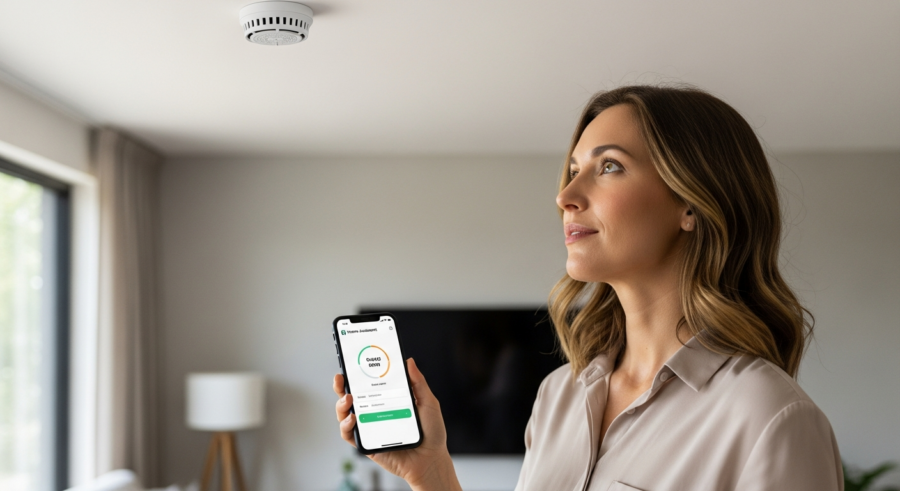
Smart smoke detectors address these shortcomings by providing real-time alerts to your smartphone, regardless of your location. They can also communicate with other smart devices, such as turning on lights to guide your way out or shutting off the HVAC system to prevent the spread of smoke.
The ability to receive immediate notifications can be life-saving, especially when you’re away from home. Imagine being on vacation and receiving an alert about a fire in your kitchen; you can immediately contact the fire department and potentially prevent significant damage.
Furthermore, smart smoke detectors often include advanced features like photoelectric and ionization sensors, which are better at detecting different types of fires. Some models also offer carbon monoxide detection, providing an additional layer of safety against this silent killer.
Smart smoke detectors provide peace of mind that traditional detectors simply can’t match. The ability to remotely monitor your home’s safety and receive immediate alerts is invaluable.
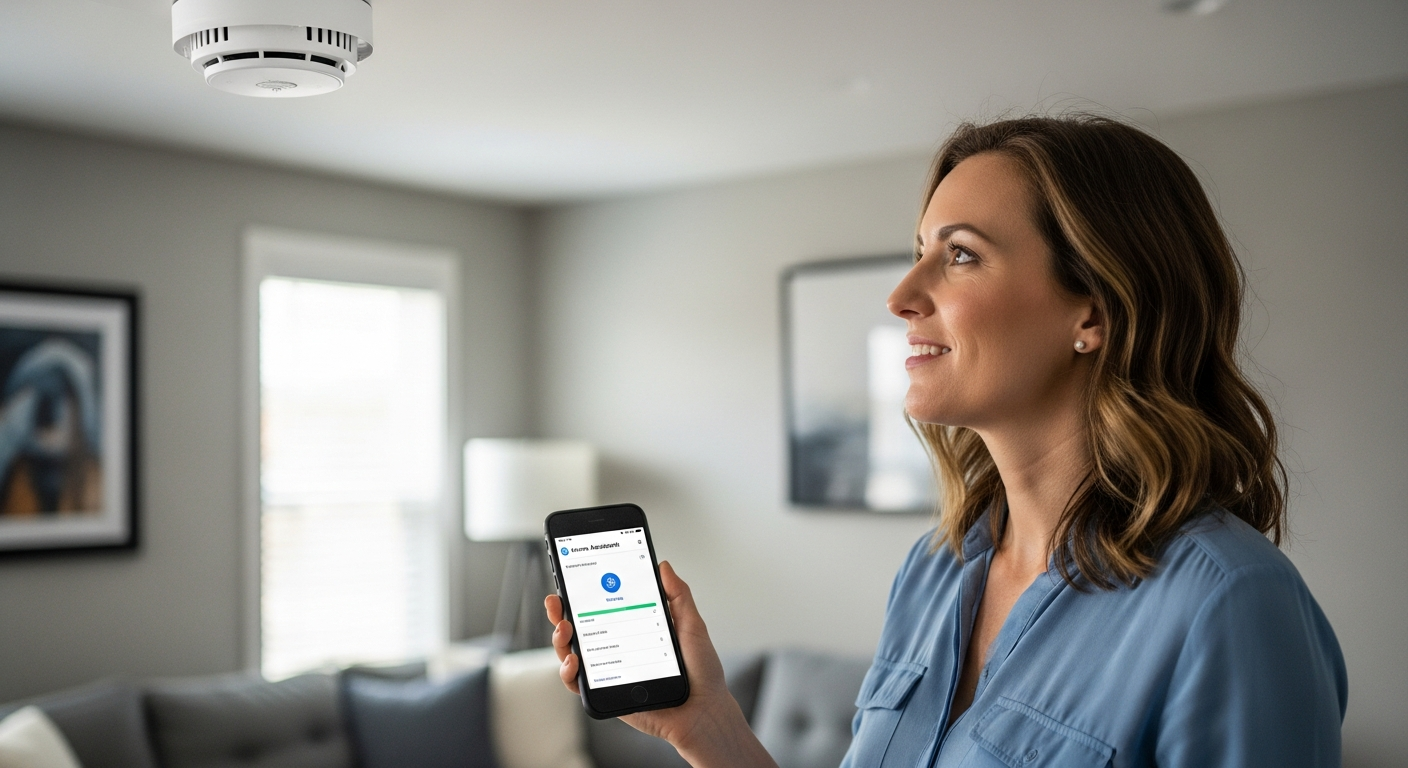
Beyond simple alerts, integrating these detectors with Home Assistant allows for a fully automated response to fire emergencies. This can significantly reduce the risk of property damage and, more importantly, save lives.
Consider the scenario where a fire breaks out while you’re asleep. A smart smoke detector can instantly trigger your bedroom lights, unlock your doors, and even sound a loud alarm throughout the house, ensuring everyone is alerted and can escape safely.
The combination of early detection, remote notifications, and automated responses makes smart smoke detectors a crucial component of any modern smart home. Investing in these devices is an investment in your family’s safety and well-being.
Moreover, the data collected by smart smoke detectors can be used to analyze fire risks and improve safety measures. By tracking alarm events and environmental conditions, you can identify potential hazards and take proactive steps to mitigate them.
For example, if your smart smoke detector frequently detects high levels of carbon monoxide, you may need to inspect your heating system or install additional ventilation. This data-driven approach can help you create a safer and healthier living environment.
Choosing a Compatible Smart Smoke Detector
Not all smart smoke detectors are created equal, and compatibility with Home Assistant is a crucial factor to consider. You’ll want to make sure the detector you choose can seamlessly integrate into your existing smart home ecosystem.
Look for detectors that support common protocols like Z-Wave, Zigbee, or Wi-Fi, as these are generally well-supported by Home Assistant. Z-Wave and Zigbee devices typically require a hub, while Wi-Fi devices connect directly to your home network.
Popular options include the Nest Protect, which integrates well with Home Assistant through the Nest integration. Other reliable choices are the First Alert Onelink and the Ring Alarm Smoke & CO Detector, each offering unique features and connectivity options.
Before purchasing, check the Home Assistant community forums and documentation to confirm compatibility and any specific configuration requirements. User experiences and community-supported integrations can provide valuable insights into real-world performance.
When selecting a smart smoke detector, consider its power source. Some models are battery-powered, while others are hardwired with battery backup. Hardwired detectors offer greater reliability, but battery-powered models are easier to install.
Also, think about the range of the detector’s wireless communication. If you have a large home, you may need multiple detectors and a strong wireless network to ensure reliable communication with Home Assistant.
Another important factor is the detector’s sensor technology. Photoelectric sensors are better at detecting slow-smoldering fires, while ionization sensors are more effective at detecting fast-flaming fires. Some detectors combine both technologies for comprehensive fire detection.
Read reviews and compare specifications carefully to find a smart smoke detector that meets your specific needs and budget. Don’t compromise on safety; choose a reputable brand with a proven track record of reliability.
Consider the long-term costs of ownership. Battery replacements, subscription fees (if any), and potential maintenance expenses should be factored into your decision-making process. A slightly more expensive detector with lower long-term costs may be a better investment in the long run.
Finally, ensure that the smart smoke detector you choose complies with local building codes and safety regulations. Some jurisdictions may have specific requirements for smoke detector placement and functionality.
Integrating Your Smoke Detector with Home Assistant
Once you’ve chosen a compatible smart smoke detector, the next step is to integrate it with Home Assistant. The process varies depending on the detector’s communication protocol and the integrations available.
For Z-Wave and Zigbee devices, you’ll need a compatible hub connected to your Home Assistant instance. Add the device through the Z-Wave or Zigbee integration in Home Assistant, following the specific instructions for your hub and detector model.
| Detector Model | Communication Protocol | Home Assistant Integration |
|---|---|---|
| Nest Protect | Wi-Fi | Nest Integration |
| First Alert Onelink | Wi-Fi | HomeKit or IFTTT |
| Ring Alarm Smoke & CO Detector | Z-Wave | Z-Wave Integration |
| Aeotec Z-Wave Smoke Detector | Z-Wave | Z-Wave Integration |
For Wi-Fi devices like the Nest Protect, you’ll typically use the official or community-developed integration for that specific brand. Follow the integration’s setup instructions, which usually involve authenticating with your account and granting Home Assistant access to your devices.
Before starting the integration process, ensure that your Home Assistant instance is up to date. This will ensure compatibility with the latest integrations and features.
If you’re using a Z-Wave or Zigbee hub, make sure it’s properly configured and connected to your Home Assistant instance. You may need to install specific drivers or plugins to enable communication between the hub and Home Assistant.
When adding the smoke detector to Home Assistant, pay close attention to the device’s entity ID. This ID is used to identify the detector in automations and scripts, so it’s important to choose a descriptive and consistent naming convention.
After adding the detector, verify that it’s functioning correctly by triggering a test alarm. Check that Home Assistant receives the alarm event and that the detector’s status is accurately reflected in the Home Assistant interface.
If you encounter any issues during the integration process, consult the Home Assistant community forums or the integration’s documentation. There are often helpful tips and troubleshooting guides available to assist you.
Setting Up Alerts and Automations
With your smart smoke detector integrated, you can now configure alerts and automations to enhance your home’s safety. Home Assistant’s automation engine allows you to create custom responses based on the detector’s status.
Start by creating a simple notification that sends a message to your smartphone when the smoke detector detects smoke. Use the Home Assistant UI to define a trigger based on the smoke detector’s state and an action to send a notification via the mobile app or another notification service.
Beyond basic notifications, consider setting up more advanced automations to improve safety and response time. For example, you can automatically turn on all the lights in your home to illuminate escape routes, unlock smart locks to ensure easy exit, and shut off your HVAC system to prevent smoke from spreading.
You might also integrate with a home security system to automatically alert emergency services. These automations can be customized to fit your specific needs and preferences, creating a comprehensive safety system tailored to your home.
When creating automations, consider the different states of your smoke detector. You can trigger different actions based on whether the detector is in a normal state, detecting smoke, or in a low battery state.
For example, you might want to receive a different notification when the detector’s battery is low, reminding you to replace it promptly. This helps ensure that your smoke detector is always functioning optimally.
You can also use Home Assistant’s scripting capabilities to create more complex automations. For example, you could create a script that sends a series of notifications to different family members, turns on specific lights in different rooms, and adjusts the thermostat to a safe temperature.
When setting up notifications, consider using different notification channels to ensure that you receive the alert. You can send notifications via the Home Assistant mobile app, email, SMS, or even voice assistants like Google Assistant or Amazon Alexa.
Test your automations thoroughly to ensure that they function as expected. Simulate a smoke event and verify that all the configured actions are triggered correctly. This will help you identify any potential issues and fine-tune your automations for optimal performance.
Testing and Maintaining Your Smart Smoke Detectors
Regular testing and maintenance are crucial to ensure your smart smoke detectors function correctly. It’s not enough to simply install them and assume they’ll work when needed.
Most smart smoke detectors have a built-in test button that simulates a smoke event. Press this button regularly, at least once a month, to verify the detector’s alarm and connectivity.
- Test monthly using the built-in test button
- Replace batteries annually or as indicated
- Clean detectors regularly with a vacuum
- Check for firmware updates
- Verify Home Assistant integration
Additionally, replace the batteries annually or as recommended by the manufacturer, even if the detector doesn’t indicate low battery. Consider using long-life batteries for added peace of mind.
Dust and debris can accumulate on the smoke detector’s sensors, reducing their sensitivity. Clean the detectors regularly with a vacuum cleaner to remove any buildup.
Check for firmware updates regularly. Manufacturers often release updates to improve performance, fix bugs, and address security vulnerabilities.
Verify that your Home Assistant integration is still functioning correctly. Sometimes, integrations can break due to changes in the Home Assistant software or the device’s firmware.
Keep a record of your testing and maintenance activities. This will help you track the performance of your smoke detectors and identify any potential issues early on.
Consider creating a checklist for your smoke detector maintenance routine. This will ensure that you don’t forget any important steps and that your detectors are always in optimal condition.
Advanced Automations for Enhanced Safety
Beyond basic alerts, Home Assistant allows for advanced automations that can significantly enhance your home’s safety during a fire. These automations can be tailored to your specific needs and home layout.
Consider integrating your smart smoke detectors with your smart lighting system to create a clear escape path. When smoke is detected, all lights can automatically turn on at full brightness, illuminating hallways and rooms to guide occupants to safety.
Another useful automation is to integrate with your smart thermostat to automatically shut off the HVAC system. This prevents the circulation of smoke throughout your home, potentially reducing smoke damage and improving air quality for those evacuating.
You can also use Home Assistant to trigger voice announcements through smart speakers, providing clear and immediate instructions to occupants. A pre-recorded message can instruct everyone to evacuate immediately and provide information on the nearest exit.
If you have smart blinds or curtains, you can automate them to open automatically when smoke is detected. This can help improve visibility and ventilation, making it easier to escape.
Consider integrating your smart smoke detectors with your smart garage door opener. Automatically opening the garage door can provide an additional escape route and allow emergency services to access your property more easily.
You can also create automations that send notifications to your neighbors or nearby family members. This can alert them to the fire and allow them to provide assistance if needed.
If you have pets, you can create automations that help them escape safely. This might involve opening pet doors or turning on lights in areas where they are likely to be.
Integrating with Home Security Systems
For even greater protection, consider integrating your smart smoke detectors with a comprehensive home security system. This integration can provide an additional layer of security and ensure a rapid response in the event of a fire.
Many home security systems, such as Ring Alarm or SimpliSafe, offer professional monitoring services that can automatically dispatch emergency services when a fire is detected. By integrating your smart smoke detectors with these systems, you can ensure that help arrives quickly, even if you’re unable to call for assistance yourself.
To integrate, you’ll typically need to use a compatible integration in Home Assistant that connects to your security system’s API. Follow the integration’s instructions to link your accounts and enable communication between Home Assistant and your security system.
Once integrated, you can create automations that trigger the security system’s alarm and dispatch emergency services when smoke is detected. This integration provides a seamless and automated response, ensuring that your home is protected around the clock.
Before integrating, research the compatibility between your smart smoke detectors, Home Assistant, and your chosen home security system. Not all systems are created equal, and some may offer better integration capabilities than others.
Consider the response time of your home security system’s monitoring service. A faster response time can significantly reduce the damage caused by a fire.
Familiarize yourself with the home security system’s emergency response protocols. Understand how they handle fire alarms and what information they will provide to emergency services.
Regularly test the integration between your smart smoke detectors and your home security system. This will ensure that the system is functioning correctly and that emergency services will be dispatched promptly in the event of a fire.
Addressing False Alarms
False alarms can be a nuisance and can desensitize you to real emergencies. It’s important to take steps to minimize false alarms while maintaining the effectiveness of your smart smoke detectors.
One common cause of false alarms is cooking fumes. To address this, consider using a smart exhaust fan that automatically turns on when cooking or placing your smoke detector further away from the kitchen.
Another approach is to implement a delay in your Home Assistant automations. When smoke is detected, instead of immediately triggering all actions, send a notification to your smartphone and provide a button to confirm the alarm.
If you confirm the alarm, the full automation sequence is triggered. If you dismiss it, the automation is canceled, preventing unnecessary actions and reducing the likelihood of false alarms. Just be sure not to delay too long.
Consider using different types of smoke detectors in different areas of your home. Photoelectric detectors are less prone to false alarms from cooking fumes, while ionization detectors are better at detecting fast-flaming fires.
Regularly clean your smoke detectors to remove dust and debris that can trigger false alarms. Use a vacuum cleaner with a soft brush attachment to gently clean the detectors.
Avoid placing smoke detectors in areas with high humidity, such as bathrooms or laundry rooms. Moisture can damage the detectors and cause false alarms.
Educate your family members about the importance of avoiding activities that can trigger false alarms, such as smoking indoors or burning candles near smoke detectors.
Security Considerations for Smart Smoke Detectors
As with any smart home device, security is a crucial consideration when implementing smart smoke detectors. You’re entrusting these devices with sensitive information about your home’s safety, so it’s important to protect them from unauthorized access.
Start by ensuring that your Wi-Fi network is secured with a strong password and WPA3 encryption. This prevents unauthorized access to your network and the devices connected to it.
Additionally, keep the firmware of your smart smoke detectors and Home Assistant up to date. Manufacturers regularly release security updates to address vulnerabilities, so it’s important to install these updates promptly.
Consider using a separate VLAN for your IoT devices to isolate them from your primary network. This limits the potential damage if one of your smart devices is compromised.
Enable two-factor authentication (2FA) for your Home Assistant account and any other accounts associated with your smart smoke detectors. This adds an extra layer of security, making it more difficult for unauthorized users to access your system.
Review the privacy policies of the manufacturers of your smart smoke detectors. Understand what data they collect and how they use it.
Be cautious about granting third-party apps access to your smart smoke detectors. Only grant access to apps that you trust and that require access to the detectors for legitimate purposes.
Regularly monitor your network for suspicious activity. Look for unusual traffic patterns or unauthorized access attempts.
Conclusion
Integrating smart smoke detectors with Home Assistant is a powerful way to enhance your home’s safety and security. By leveraging the capabilities of smart technology and open-source software, you can create a comprehensive fire detection and response system tailored to your specific needs.
From real-time alerts to automated actions, this setup provides an added layer of protection for your home and loved ones. Remember to choose compatible devices, configure automations carefully, and maintain your system regularly to ensure optimal performance.
With a little planning and effort, you can transform your home into a safer and more secure environment. Embrace the power of smart home automation and take control of your family’s safety.
By following the steps outlined in this article, you’ll be well on your way to creating a smart home that prioritizes safety and peace of mind. Don’t wait until it’s too late; start building your smart smoke detector system today.
The combination of smart smoke detectors and Home Assistant empowers you to proactively protect your home from fire hazards. This integration provides a level of safety and control that traditional smoke detectors simply cannot match.
By taking the time to set up and maintain this system, you are making a significant investment in the safety and well-being of your family. Embrace the future of home safety and enjoy the peace of mind that comes with knowing your home is protected by smart technology.