
Imagine waking up to the perfect amount of sunlight every day, without having to lift a finger. That’s the promise of smart home automation, and with smart shades home assistant, it’s easier than ever to achieve. This article will explore the world of automated window coverings and how they can enhance your living space.
We’ll discuss the benefits of integrating motorized blinds with your existing smart home setup. You’ll learn how to select compatible devices and create schedules that suit your lifestyle.
Beyond convenience, smart shades offer energy savings and increased home security. Let’s get started and see how you can bring this technology into your home.
Benefits of Automating Your Window Shades
Automating your window shades offers a range of advantages that go beyond simple convenience. One of the most significant benefits is the ability to control natural light effortlessly.
Imagine setting your shades to automatically open in the morning, gently waking you with sunlight. Then, as the day heats up, they can lower to block out the harsh afternoon sun, keeping your home cool and comfortable.
Beyond light and temperature control, smart shades contribute to energy savings. By reducing the need for air conditioning, you can lower your energy bills and reduce your carbon footprint.
Automated shades also enhance your home’s security. You can program them to open and close at random times while you’re away, creating the illusion that someone is home, deterring potential intruders.
Another significant advantage is the preservation of your furniture and flooring. Harmful UV rays can fade colors and damage materials over time. Smart shades can be programmed to lower during peak sunlight hours, protecting your valuables.
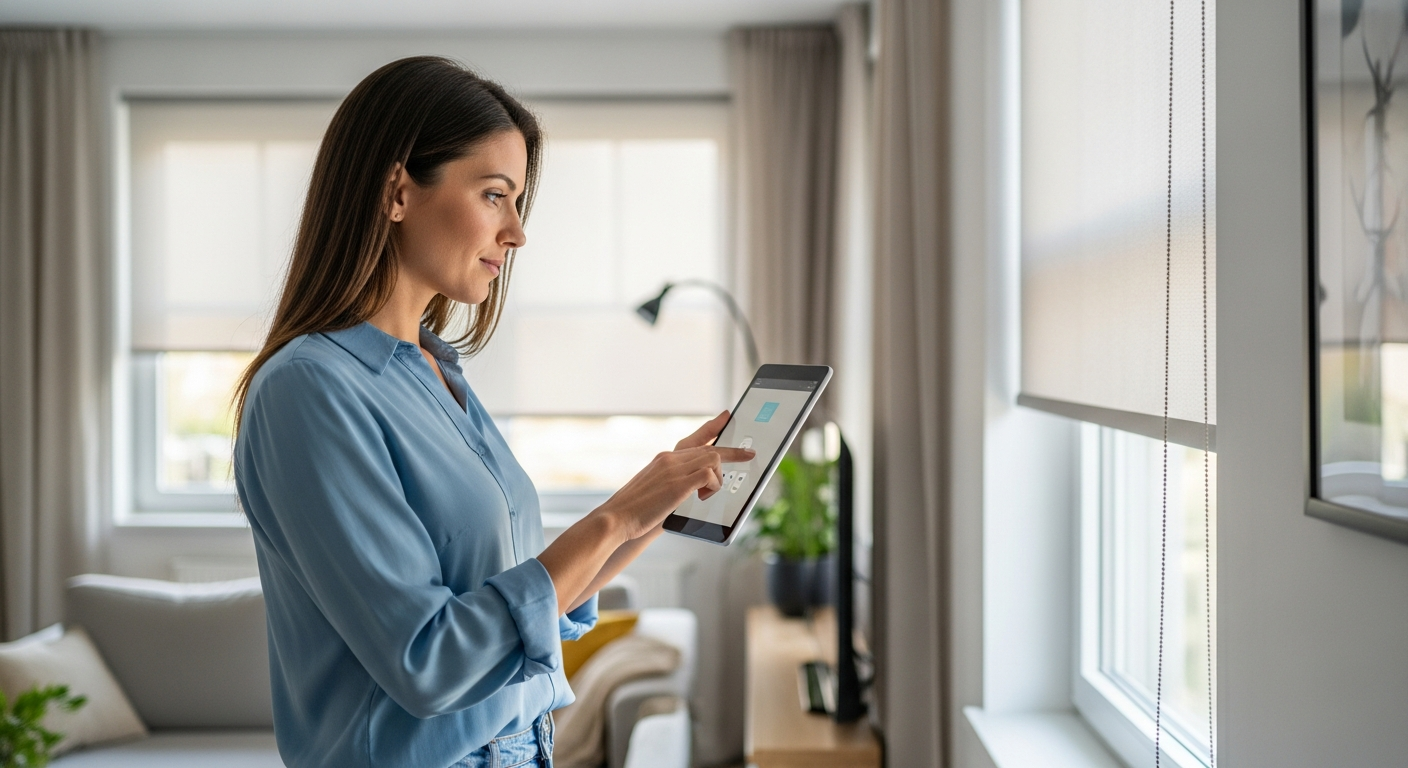
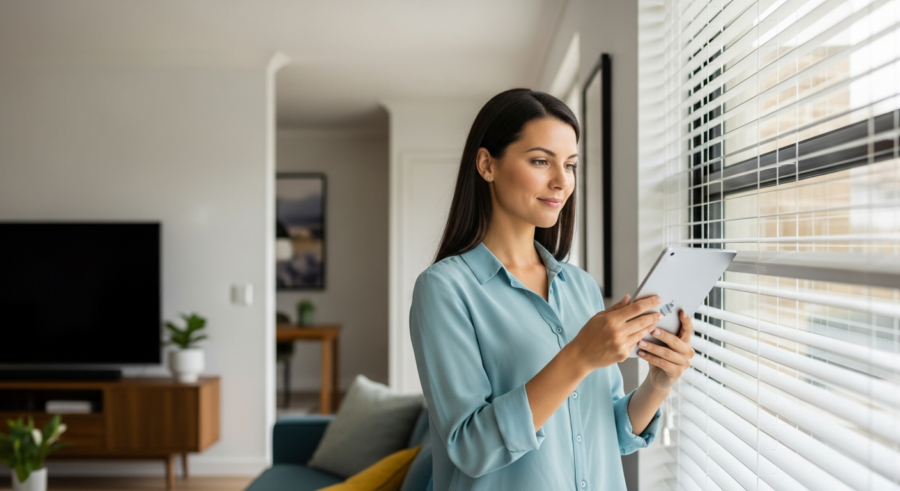
The convenience factor is undeniable, especially for hard-to-reach windows. No more struggling with cords or wands; simply use your smartphone or voice assistant to adjust your shades from anywhere in the house.
Furthermore, automated shades can improve sleep quality. By blocking out unwanted light at night, they create a darker and more conducive environment for restful sleep.
Consider the added value to your home as well. Smart home features are becoming increasingly desirable to homebuyers, and automated shades can be a significant selling point.
The ability to create personalized scenes is yet another benefit. Imagine setting a “movie night” scene that automatically dims the lights and lowers the shades for the perfect viewing experience.
Finally, automated shades offer a level of accessibility for individuals with mobility issues. Controlling window coverings with a smartphone or voice assistant can make a significant difference in their daily lives.
Choosing Compatible Smart Shades
Selecting the right smart shades is crucial for a seamless integration with your home assistant system. Not all motorized blinds are created equal, and compatibility is key.
Start by identifying the communication protocols your home assistant supports. Common protocols include Zigbee, Z-Wave, and Wi-Fi, each offering different advantages in terms of range, reliability, and power consumption.
Next, consider the type of window covering you prefer. Options range from roller shades and Venetian blinds to cellular shades and Roman shades, each offering a unique aesthetic and level of light control.
Finally, research brands known for their compatibility with home assistant. Some popular choices include Lutron Serena, Somfy, and IKEA smart blinds, all of which offer various integration options.
Think about the power source for your smart shades. Some operate on batteries, while others require hardwiring. Battery-powered shades are easier to install, but you’ll need to replace the batteries periodically.
Consider the noise level of the motor. Some motorized shades are quieter than others. If you’re sensitive to noise, look for shades with a low decibel rating.
Pay attention to the fabric or material of the shades. Different materials offer varying levels of light filtering and privacy. Choose a material that suits your needs and preferences.
Check the warranty offered by the manufacturer. A good warranty can protect you against defects and ensure that your investment is protected.
Read online reviews and compare prices from different retailers. This can help you find the best value for your money and avoid potential problems.
Don’t forget to measure your windows accurately before purchasing smart shades. This will ensure a proper fit and prevent installation headaches.
Integrating Smart Shades with Home Assistant
Integrating your smart shades with Home Assistant unlocks the true potential of window covering automation. This powerful open-source platform allows you to control all your smart home devices from a single interface.
The integration process typically involves adding your smart shade hub or individual devices to Home Assistant. This can be done through the Home Assistant user interface or by manually configuring the YAML files.
| Shade Brand | Communication Protocol | Home Assistant Integration Method |
|---|---|---|
| Lutron Serena | Clear Connect | Lutron Caséta Smart Bridge Pro |
| Somfy | RTS, Zigbee | Somfy TaHoma, Zigbee Hub |
| IKEA Fyrtur/Kadrilj | Zigbee | Zigbee Hub |
| Aqara | Zigbee | Aqara Hub |
Once your shades are connected, you can control them individually or in groups. You can also create scenes that combine shade control with other smart home devices, such as lighting and thermostats.
Before you begin, make sure you have a stable Home Assistant installation. This includes a properly configured Raspberry Pi or other suitable hardware.
Familiarize yourself with the Home Assistant user interface. Understanding the basics of adding devices and creating automations will make the integration process much smoother.
Consult the Home Assistant documentation for your specific smart shade brand. The documentation provides detailed instructions and troubleshooting tips.
Consider using a dedicated Zigbee or Z-Wave hub for improved reliability. These hubs can provide a more stable connection than relying on your Wi-Fi network.
Test the integration thoroughly after completing the setup. Verify that you can control your shades from the Home Assistant interface and that your automations are working as expected.
Regularly update your Home Assistant installation to ensure compatibility and security. New updates often include bug fixes and improvements for smart shade integrations.
Advanced Home Assistant Shade Control
Home Assistant offers advanced control options for your smart shades. You can use templates to create dynamic automations.
For example, you can set your shades to adjust based on the sun’s position using the sun elevation attribute. This allows for more precise control over the amount of sunlight entering your home.
Another advanced feature is the ability to control shade position based on weather conditions. If it’s a cloudy day, you can keep the shades open to maximize natural light.
Conversely, if it’s a hot, sunny day, you can lower the shades to block out heat. These advanced automations can significantly improve your home’s energy efficiency and comfort.
Explore the use of Node-RED for more complex automation flows. Node-RED is a visual programming tool that integrates seamlessly with Home Assistant.
Utilize the Home Assistant REST API to control your shades from external applications. This allows you to integrate your smart shades with other systems and services.
Consider using custom components to extend the functionality of your smart shade integration. The Home Assistant community has developed numerous custom components that offer unique features.
Implement advanced security measures to protect your smart home from unauthorized access. This includes using strong passwords and enabling two-factor authentication.
Monitor the performance of your smart shade system to identify potential issues. This can help you proactively address problems and prevent downtime.
Experiment with different automation strategies to find what works best for your lifestyle. There are countless possibilities for customizing your smart shade experience.
Creating Schedules and Automations for Shade Control
One of the most powerful features of smart shades is the ability to create schedules and automations. This allows you to customize your window coverings to fit your daily routine.
You can set your shades to automatically open at sunrise, providing a gentle wake-up call. You can also schedule them to close during the hottest part of the day, keeping your home cool and comfortable.
Home Assistant’s automation engine allows for even more complex scenarios. For example, you can create an automation that closes the shades when you leave for work and opens them when you return.
You can also integrate your smart shades with other smart home devices. For example, you could link your smart shades home assistant setup to your smart thermostat, so that when the temperature gets to a certain point, the shades automatically lower to save energy.
Use the Home Assistant visual editor to create automations without writing code. This makes it easy for beginners to get started with smart shade automation.
Create different schedules for weekdays and weekends. This allows you to adjust your shades based on your varying routines.
Consider using motion sensors to trigger shade adjustments. For example, you could set the shades to close when someone enters a room to provide privacy.
Integrate your smart shades with your home security system. This allows you to automatically close the shades when the alarm is armed, providing an extra layer of security.
Use the Home Assistant app to control your shades remotely. This allows you to adjust your shades from anywhere in the world.
Back up your Home Assistant configuration regularly. This will protect you from data loss and make it easier to restore your system in case of a problem.
Voice Control of Your Smart Shades
Integrating voice control into your smart shade setup adds another layer of convenience. Home Assistant seamlessly integrates with popular voice assistants like Google Assistant and Amazon Alexa.
This integration allows you to control your shades with simple voice commands. You can say things like, “Hey Google, open the living room shades” or “Alexa, close the bedroom blinds.”
Setting up voice control typically involves linking your Home Assistant account to your chosen voice assistant. This process varies depending on the voice assistant you’re using, but Home Assistant provides detailed instructions for each platform.
Once linked, you can create custom voice commands for more complex actions. For example, you could create a command that closes all the shades in your home and turns off the lights, preparing your home for bedtime.
Use clear and concise voice commands for best results. Avoid using ambiguous language that could confuse your voice assistant.
Create custom routines in your voice assistant app to automate multiple actions with a single command. For example, you could create a “good morning” routine that opens the shades and turns on the lights.
Consider using nicknames for your shades to make them easier to control with voice commands. For example, you could rename “Living Room Shade 1” to “Living Room Shade.”
Test your voice commands thoroughly after setting them up. This will help you identify any issues and ensure that your shades are responding as expected.
Keep your voice assistant firmware up to date. This will ensure that you have the latest features and bug fixes.
Explore the advanced voice control options offered by your voice assistant. This may include features like natural language processing and context-aware commands.
Energy Savings with Smart Shades
One of the most compelling reasons to invest in smart shades is their potential for energy savings. By automating your window coverings, you can significantly reduce your home’s energy consumption.
During the summer months, smart shades can block out the harsh afternoon sun, preventing your home from overheating. This reduces the need for air conditioning, saving you money on your energy bills.
- Reduce solar heat gain in summer
- Minimize heat loss in winter
- Lower air conditioning usage
- Decrease heating costs
- Optimize natural light levels
In the winter, smart shades can help retain heat by providing an extra layer of insulation. By closing your shades at night, you can minimize heat loss and reduce your heating costs.
Track your energy consumption before and after installing smart shades to quantify the savings. This will help you see the return on your investment.
Adjust your shade schedules based on the seasons and weather conditions. This will optimize your energy savings throughout the year.
Consider using energy-efficient shade materials. Some materials offer better insulation and light filtering properties than others.
Integrate your smart shades with your smart thermostat to create a comprehensive energy management system. This will allow you to automatically adjust your shades and thermostat based on your preferences and the weather.
Use the Home Assistant energy dashboard to monitor your energy consumption and identify areas for improvement. This can help you further optimize your energy savings.
Educate yourself about energy-saving tips and best practices. This will help you make informed decisions about your smart shade settings and usage.
Troubleshooting Smart Shade Issues
While smart shades offer numerous benefits, you may encounter some issues during setup or operation. Here are some common problems and their solutions.
If your shades are not responding to commands, first check the batteries. Make sure the batteries are properly installed and have sufficient charge.
If the batteries are fine, check the connection between your shades and your smart home hub. Ensure that the hub is properly connected to your network and that the shades are within range.
Another common issue is incorrect calibration. If your shades are not opening or closing to the correct position, you may need to recalibrate them according to the manufacturer’s instructions. If the smart shades home assistant integration stops working, check the Home Assistant logs for clues.
Check the Home Assistant logs for error messages. These logs can provide valuable clues about the cause of the problem.
Try restarting your Home Assistant server. This can often resolve minor issues and restore functionality.
Update your Home Assistant installation to the latest version. This can fix bugs and improve compatibility with your smart shades.
Consult the Home Assistant community forum for help. Other users may have experienced similar issues and can offer solutions.
Contact the manufacturer of your smart shades for support. They may be able to provide troubleshooting assistance or warranty service.
Consider using a network analyzer to diagnose connectivity problems. This can help you identify issues with your Wi-Fi network or Zigbee/Z-Wave mesh.
Maintenance and Care for Smart Shades
Proper maintenance and care can extend the lifespan of your smart shades. Regular cleaning helps prevent dust and dirt buildup that can interfere with their operation.
Use a soft cloth or brush to gently remove dust from the shade fabric. Avoid using harsh chemicals or abrasive cleaners, as these can damage the material.
Periodically inspect the shade mechanisms for any signs of wear or damage. If you notice any issues, contact the manufacturer or a qualified repair technician.
Also, be mindful of the shade cords or chains, keeping them out of reach of children and pets. This helps prevent accidents and ensures the safety of your family.
Lubricate the shade mechanisms periodically with a silicone-based lubricant. This will help keep them operating smoothly and prevent wear.
Replace the batteries in your smart shades regularly. This will ensure that they continue to operate reliably.
Avoid exposing your smart shades to extreme temperatures or humidity. This can damage the shade mechanisms and shorten their lifespan.
Clean your windows regularly to prevent dust and dirt from accumulating on your shades. This will help keep your shades looking their best.
Consider using a professional cleaning service for your smart shades. This can ensure that they are cleaned properly and without damage.
Store your smart shades properly when not in use. This will protect them from dust, dirt, and damage.
Future Trends in Smart Shade Technology
The field of smart shade technology is constantly evolving. Expect to see even more advanced features and integrations in the future.
One trend is the integration of artificial intelligence (AI) to optimize shade control based on user preferences and environmental conditions. AI-powered shades could learn your habits and automatically adjust to maximize comfort and energy savings.
Another trend is the development of more sustainable and eco-friendly shade materials. Manufacturers are exploring the use of recycled materials and innovative designs to reduce the environmental impact of window coverings.
Finally, expect to see more seamless integration with other smart home devices and platforms. This will allow for even more complex and personalized automations, making your home smarter and more comfortable than ever before.
Look for advancements in motor technology, resulting in quieter and more efficient operation. This will make smart shades even more appealing to homeowners.
Expect to see more sophisticated sensors integrated into smart shades, providing more accurate data about light levels, temperature, and humidity. This data can be used to further optimize shade control.
Consider the potential for smart shades to be integrated with augmented reality (AR) applications. This could allow you to visualize how different shade settings will affect the lighting in your home.
Explore the possibility of using blockchain technology to secure your smart shade system. This could help prevent unauthorized access and protect your privacy.
Imagine a future where smart shades are able to generate their own power using solar cells. This would eliminate the need for batteries and make them even more sustainable.
The future of smart shade technology is bright. Expect to see even more innovative features and integrations in the years to come.
Conclusion
Smart shades offer a compelling blend of convenience, energy savings, and enhanced security. By integrating them with Home Assistant, you can unlock a new level of control over your home environment.
From automated schedules to voice control and advanced automations, the possibilities are endless. So, take the plunge and experience the benefits of smart shades for yourself.
Embrace the future of home automation with smart shades. You’ll be amazed at the difference they can make in your daily life.
Start small and gradually expand your smart shade system. This will allow you to learn as you go and avoid feeling overwhelmed.
Don’t be afraid to experiment with different settings and automations. The best way to find what works for you is to try things out.
Join the Home Assistant community and connect with other smart home enthusiasts. You’ll find a wealth of information and support.
Stay up-to-date on the latest smart shade technology and trends. This will help you make informed decisions about your smart home setup.
Enjoy the convenience, energy savings, and enhanced security that smart shades have to offer. They’re a worthwhile investment for any modern home.