
Smart home automation has become increasingly popular, offering convenience and enhanced control over various aspects of our living spaces. One area where this technology shines is in home security. By integrating your security cameras with Home Assistant, you can create a powerful, local-first surveillance system that provides enhanced monitoring and automation capabilities.
This setup keeps your data private and secure, avoiding reliance on cloud services. Let’s explore how to harness the power of security cameras and Home Assistant for a smarter, safer home.
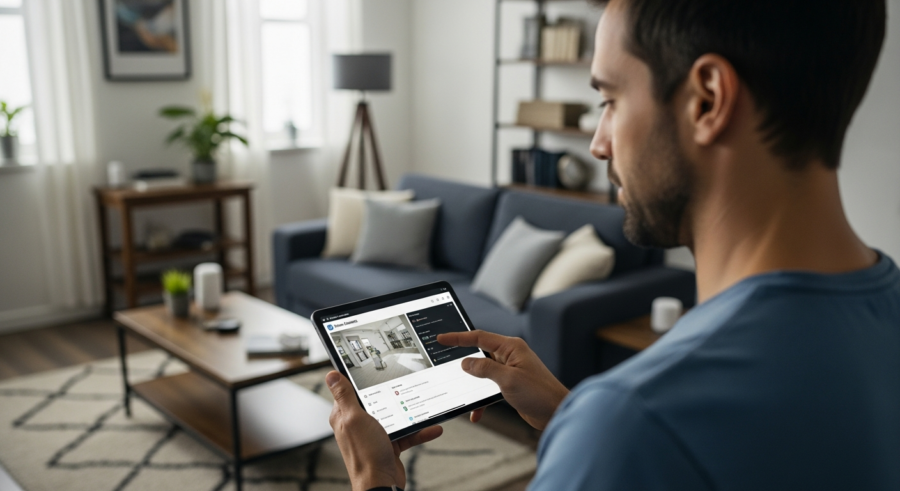
Home Assistant acts as the central hub, bringing together your cameras and other smart devices. This integration lets you view camera feeds, automate recordings based on motion detection, and receive instant alerts, all within a unified interface.
Benefits of Integrating Security Cameras with Home Assistant
Integrating your security cameras with Home Assistant offers a multitude of benefits beyond simple video monitoring. It centralizes your smart home ecosystem, allowing you to control and automate your security setup alongside other smart devices like lights, locks, and sensors.
This creates a cohesive and responsive smart home environment. The advantages extend to enhanced privacy and security, as the system operates locally, reducing dependence on cloud services and minimizing the risk of data breaches.
Camera automation is another significant advantage, allowing you to trigger recordings based on motion detection or other sensor inputs. For example, if a door sensor detects an intrusion, Home Assistant can automatically start recording footage from nearby cameras.
Real-time alerts are crucial for immediate awareness of security events. Home Assistant can send notifications to your smartphone or other devices when motion is detected or a camera is triggered, ensuring you’re always in the loop.
Another key benefit is the ability to customize your security setup to your specific needs. You can tailor the system to react to different events in unique ways. Imagine your lights flashing red when motion is detected at night, providing a visual warning.
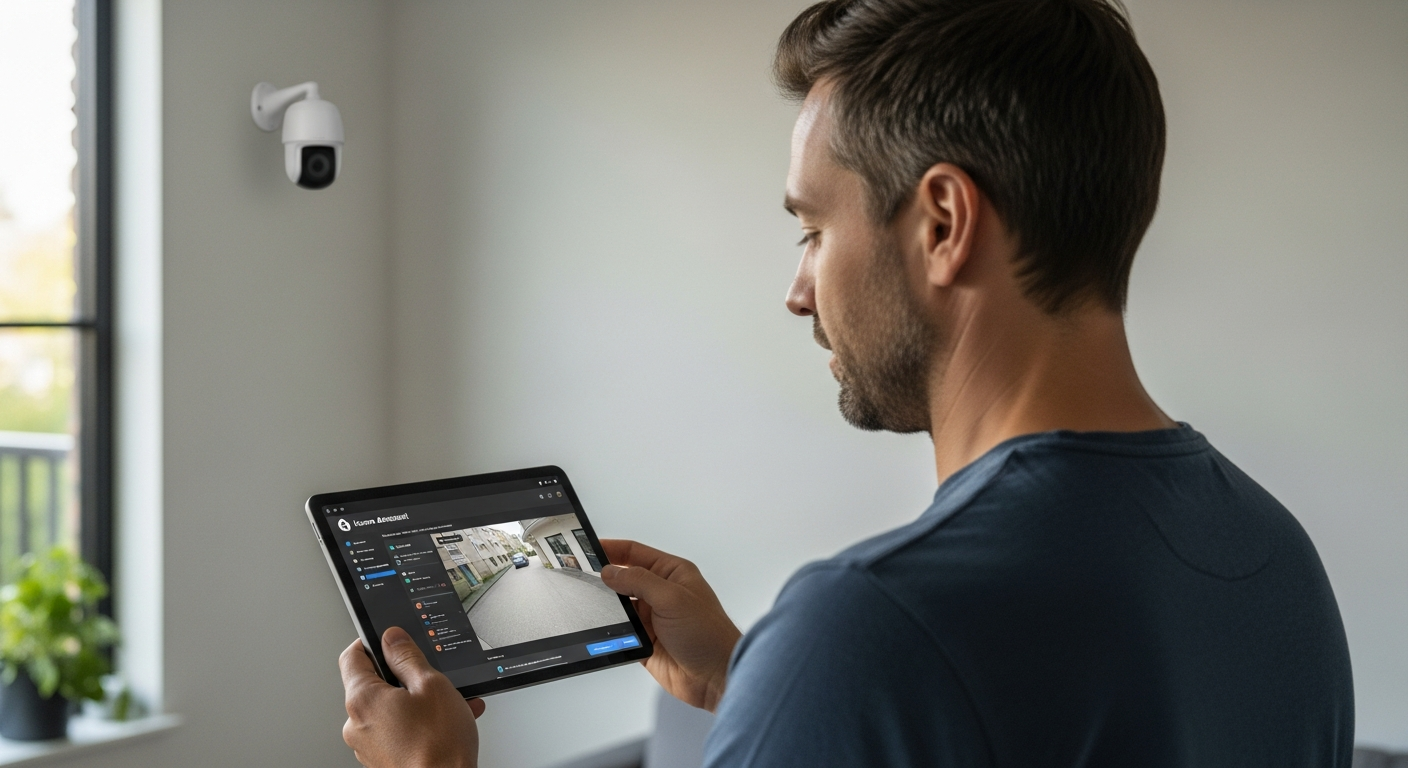
Furthermore, integrating with Home Assistant allows for historical data analysis. You can track motion events over time and identify patterns. This information can be invaluable for improving your security setup and identifying potential vulnerabilities.
The local processing capability of Home Assistant also means faster response times. Cloud-based systems often have delays due to internet connectivity, while Home Assistant reacts almost instantly. This quick response is critical in security situations.
Finally, the open-source nature of Home Assistant gives you unparalleled control. You are not locked into a specific vendor or ecosystem, allowing you to choose the best devices for your needs.
Choosing the Right Security Cameras
Selecting the appropriate security cameras is a critical step in building a robust home surveillance system. Consider factors like video quality, viewing angle, and night vision capabilities to ensure your cameras capture clear and comprehensive footage.
Wired cameras offer a more reliable connection and are less prone to interference, making them suitable for critical areas. Wireless cameras provide greater flexibility in placement, simplifying installation in locations where running cables is difficult.
Features like pan, tilt, and zoom (PTZ) allow you to remotely adjust the camera’s view, providing broader coverage. Weatherproof cameras are essential for outdoor use, ensuring they can withstand various environmental conditions.
Consider the integration capabilities with Home Assistant. Cameras that support standard protocols like RTSP or ONVIF are generally easier to integrate and offer more control within Home Assistant.
Resolution is a key factor to consider; higher resolutions provide more detail. Look for cameras with at least 1080p resolution for clear images. 4K cameras offer even greater detail but require more bandwidth and storage.
The field of view is also important, especially for covering large areas. Wide-angle lenses can capture more of the scene, reducing the number of cameras needed. However, wide-angle lenses can sometimes distort the image.
Night vision is crucial for nighttime surveillance. Look for cameras with infrared (IR) LEDs that provide clear images in low-light conditions. The range of the IR LEDs is also important; consider the distance you need to see in the dark.
Finally, consider the camera’s power source. Some cameras use Power over Ethernet (PoE), which simplifies installation by providing both power and data over a single cable. Battery-powered cameras are also available but require regular battery changes.
Connecting Your Cameras to Home Assistant
Connecting your security cameras to Home Assistant involves a few key steps to ensure seamless integration. First, you’ll need to identify the IP address of your camera, which can usually be found in the camera’s settings or through your router’s configuration page.
Next, access your Home Assistant configuration file (configuration.yaml) and add the necessary camera configuration. This typically involves specifying the camera’s name, IP address, and stream URL.
| Camera Type | Protocol | Configuration Example |
|---|---|---|
| Generic IP Camera | RTSP | camera: – platform: generic name: Front Door streamsource: rtsp://username:[email protected]:554/live |
| Amcrest | Amcrest | camera: – platform: amcrest name: Backyard host: 192.168.1.101 username: username password: password |
| ONVIF | ONVIF | camera: – platform: onvif name: Driveway host: 192.168.1.102 username: username password: password |
| Wyze (via rtsp-simple-server) | RTSP | camera: – platform: generic name: Living Room streamsource: rtsp://192.168.1.103:8554/live |
After adding the configuration, restart Home Assistant to apply the changes. You should then be able to view your camera feeds within the Home Assistant interface, allowing you to monitor your property from a single dashboard.
Before configuring Home Assistant, ensure your cameras have static IP addresses. This prevents the IP address from changing, which would break the integration. You can usually configure a static IP address in your router’s settings.
When adding the camera configuration to Home Assistant, be sure to use the correct stream URL. The stream URL varies depending on the camera model and protocol. Consult your camera’s documentation for the correct URL.
If you are having trouble connecting to the camera stream, try using a video player like VLC to verify the stream URL. This can help you identify if the issue is with the camera or with Home Assistant.
For wireless cameras, ensure they have a strong Wi-Fi signal. A weak signal can cause intermittent connectivity issues. Consider using a Wi-Fi extender to improve the signal strength.
Setting Up Motion Detection and Alerts
Motion detection is a fundamental feature for any security camera system. Home Assistant allows you to configure motion detection using the camera’s built-in capabilities or through more advanced methods like object detection.
To set up basic motion detection, you can use the “motioneye” add-on or the built-in motion detection of your camera, if available. Configure the motion detection settings within Home Assistant, specifying the sensitivity and detection zones to minimize false positives.
For more advanced object detection, consider using the “Deepstack” or “Frigate” add-ons. These tools use AI to identify specific objects, such as people, cars, or animals, reducing false alerts triggered by other movements.
Once motion detection is configured, set up alerts to receive notifications when motion is detected. Use Home Assistant’s automation features to send notifications to your smartphone, tablet, or other devices, ensuring you’re promptly informed of any potential security events.
When configuring motion detection, start with a low sensitivity setting and gradually increase it until you achieve the desired level of detection. This helps minimize false positives caused by things like shadows or insects.
Detection zones are essential for focusing motion detection on specific areas of interest. For example, you might want to focus on your driveway and ignore the street. This reduces false alerts and improves accuracy.
Consider using different notification methods for different types of events. For example, you might want to receive a push notification for motion detected at night and an email for motion detected during the day. This allows you to prioritize your attention.
Experiment with different object detection models to find the one that works best for your environment. Some models are better at detecting people, while others are better at detecting vehicles. Choose the model that best suits your needs.
Automating Camera Actions with Home Assistant
Home Assistant’s automation capabilities extend far beyond simple motion detection alerts. You can create complex automation routines that trigger specific actions based on various events, enhancing your home’s security and convenience.
For example, you can configure Home Assistant to start recording video footage when a door or window sensor is triggered. This ensures you capture valuable evidence in the event of an intrusion.
Another useful automation is to turn on smart lights when motion is detected by a security camera at night. This can deter potential intruders and provide better visibility for your cameras.
You can also integrate your security cameras with your smart lock system. If someone enters the correct code on your smart lock, Home Assistant can disarm the security system and stop the camera from recording, providing a seamless and secure experience for authorized users.
Consider automating your security system based on your location. When you leave home, Home Assistant can automatically arm the security system and start recording video. When you return home, it can disarm the system and stop recording.
You can also integrate your security cameras with your smart thermostat. If motion is detected in an unoccupied room, Home Assistant can automatically lower the thermostat to save energy. This combines security with energy efficiency.
Another useful automation is to create a “panic button” that triggers a series of actions. Pressing the panic button can start recording video, turn on all the lights, and send notifications to your neighbors. This can provide immediate assistance in an emergency.
Experiment with different automation routines to find the ones that best suit your needs. The possibilities are endless. The key is to think creatively and leverage the power of Home Assistant to create a truly smart and secure home.
Recording and Storing Video Footage
Recording and storing video footage is a crucial aspect of any security camera system. Home Assistant offers several options for recording and storing your camera feeds, depending on your needs and preferences.
One option is to use a network-attached storage (NAS) device to store your video footage locally. This provides ample storage space and keeps your data within your home network, enhancing privacy and security.
- Local NAS storage
- Cloud storage integration
- Motion-activated recording
- Continuous recording options
- Configurable retention policies
Alternatively, you can integrate your security cameras with cloud storage services like Google Drive or Dropbox. This offers offsite backup of your video footage, protecting it from physical damage or theft.
When using a NAS device, ensure it is properly secured with a strong password and regular security updates. This prevents unauthorized access to your video footage. Consider using a dedicated NAS device for security footage to isolate it from other data.
Cloud storage offers convenience and offsite backup, but it also raises privacy concerns. Choose a reputable cloud storage provider with strong security measures. Encrypt your video footage before uploading it to the cloud to further protect your privacy.
Motion-activated recording saves storage space by only recording when motion is detected. This is a good option for most users. Continuous recording provides a complete record of all activity but requires significantly more storage space.
Configurable retention policies allow you to automatically delete older video footage. This helps manage storage space and comply with privacy regulations. Set a retention policy that balances your storage needs with your legal and ethical obligations.
Security Considerations for Smart Cameras
While smart security cameras offer numerous benefits, it’s crucial to address potential security risks. Ensure your cameras are protected with strong, unique passwords to prevent unauthorized access.
Keep your camera firmware up to date to patch any known vulnerabilities. Regularly check for updates from the manufacturer and install them promptly to maintain the security of your devices.
Enable two-factor authentication (2FA) whenever possible to add an extra layer of security. This requires a second verification method, such as a code sent to your smartphone, to access your camera feeds.
Consider using a virtual private network (VPN) to encrypt your network traffic and protect your camera feeds from eavesdropping. This is especially important when accessing your cameras remotely over public Wi-Fi networks.
Disable Universal Plug and Play (UPnP) on your router, as it can create security vulnerabilities. UPnP allows devices to automatically open ports on your router, which can be exploited by hackers.
Change the default HTTP and RTSP ports for your cameras to non-standard ports. This makes it more difficult for hackers to find and exploit your cameras. Choose ports that are not commonly used.
Segment your smart home network from your main network using a VLAN. This isolates your smart home devices from your computers and other sensitive devices, preventing hackers from accessing your entire network if they compromise one device.
Regularly review your camera logs for any suspicious activity. Look for unusual login attempts or network traffic. This can help you identify and respond to security threats.
Troubleshooting Common Issues
Integrating security cameras with Home Assistant can sometimes present challenges. One common issue is difficulty connecting to the camera stream, often due to incorrect IP addresses or stream URLs.
Double-check the camera’s IP address and stream URL in your Home Assistant configuration. Ensure that the camera is on the same network as your Home Assistant instance and that there are no firewall rules blocking the connection.
Another common issue is unreliable motion detection, which can be caused by incorrect sensitivity settings or environmental factors. Adjust the motion detection sensitivity and detection zones to minimize false positives.
If you’re experiencing performance issues, such as laggy video feeds or slow response times, consider optimizing your Home Assistant configuration. Reduce the resolution of your camera streams and disable unnecessary features to improve performance.
If you are using wireless cameras, check the Wi-Fi signal strength. A weak signal can cause intermittent connectivity and performance issues. Consider moving the camera closer to the router or using a Wi-Fi extender.
Ensure that your Home Assistant instance has enough resources. Insufficient CPU or memory can cause performance issues. Monitor your system resources and upgrade if necessary.
Check the camera’s firmware for updates. Outdated firmware can cause compatibility issues and performance problems. Install the latest firmware to ensure optimal performance.
Review the Home Assistant logs for any error messages related to your cameras. The logs can provide valuable clues about the cause of the problem. Search online for solutions to the error messages.
Advanced Integrations and Customizations
Once you have your basic security camera setup running smoothly, you can explore more advanced integrations and customizations. One option is to integrate your cameras with other smart home devices, such as smart blinds or automated shades.
For example, you can configure Home Assistant to automatically close your blinds when motion is detected by a security camera during the day, enhancing privacy and security. You can also create custom dashboards in Home Assistant to display your camera feeds and other security-related information.
This allows you to monitor your property from a single, unified interface. Consider using custom themes and layouts to personalize your dashboards and make them more user-friendly.
Another advanced integration is to use Home Assistant to trigger actions based on facial recognition. By integrating with facial recognition services like “Facebox,” you can configure Home Assistant to unlock your smart lock or disarm the security system when a recognized face is detected.
Integrate your security cameras with your smart sprinkler system. If motion is detected in your yard at night, Home Assistant can automatically turn on the sprinklers to deter potential intruders. This is a creative and effective way to enhance your security.
Create a custom voice command to view your camera feeds on your smart display. For example, you can say “Hey Google, show me the front door camera” to instantly view the feed on your Google Nest Hub. This provides a convenient and hands-free way to monitor your property.
Use Home Assistant to create a time-lapse video of your security camera footage. This can be useful for monitoring construction projects or tracking changes in your yard over time. You can easily create a time-lapse video using Home Assistant’s automation features.
Explore the many custom integrations available for Home Assistant. The Home Assistant community is constantly developing new and innovative integrations. You can find integrations for everything from weather forecasting to energy monitoring.
Future Trends in Smart Home Security
The field of smart home security is constantly evolving, with new technologies and trends emerging regularly. One trend is the increasing use of artificial intelligence (AI) in security cameras, enhancing their ability to detect and identify potential threats.
AI-powered cameras can distinguish between people, animals, and vehicles, reducing false alerts and providing more accurate threat detection. Another trend is the growing popularity of edge computing, where processing is done directly on the camera rather than in the cloud.
This reduces latency and enhances privacy, as video footage is not transmitted to external servers. The integration of security cameras with other smart home devices is also becoming more seamless, creating more cohesive and responsive smart home environments.
In the future, we can expect to see even more advanced automation routines and personalized security experiences. These advancements will make our homes safer, more secure, and more convenient than ever before, but it is important to stay abreast of security considerations as the technology evolves.
The use of 5G technology will enable faster and more reliable wireless connections for security cameras. This will improve video quality and reduce latency. The adoption of Matter, a new smart home connectivity standard, will simplify the integration of security cameras with other smart home devices.
Biometric authentication, such as facial recognition and fingerprint scanning, will become more common in smart home security systems. This will provide a more secure and convenient way to access your home. The use of drones for home security is also a potential future trend.
Drones can provide a wider field of view and can be used to patrol your property. The development of more sophisticated AI algorithms will enable security cameras to detect and respond to a wider range of threats. This will make smart home security systems even more effective.
As smart home security technology continues to evolve, it is important to stay informed about the latest trends and best practices. This will help you create a smart home security system that is both effective and secure.
Conclusion
Integrating your security cameras with Home Assistant offers a powerful and flexible solution for enhancing your home’s security. By centralizing your smart home ecosystem, you can create custom automation routines and receive real-time alerts, all while maintaining control over your data and privacy.
With careful planning and configuration, you can build a smart home security system that meets your specific needs and provides peace of mind. This integration empowers you to take control of your home’s safety, ensuring a secure and comfortable living environment for you and your family.
Embrace the power of local control and customization that Home Assistant offers. Your home’s security is in your hands, tailored to your unique needs and preferences. Take the leap and create a safer, smarter home today.
Remember to stay informed about the latest security threats and best practices. Regularly review your system and make adjustments as needed. A proactive approach is key to maintaining a secure and reliable smart home security system.