
Conclusion
Managing users effectively in Home Assistant is crucial for maintaining a secure, efficient, and personalized smart home environment. By understanding user roles, creating appropriate accounts, and implementing best practices for user management, you can ensure that your smart home system is both powerful and secure.
Remember to regularly review user accounts and permissions, implement two-factor authentication, and educate users on security awareness. These steps will help you protect your Home Assistant system from unauthorized access and maintain a well-organized smart home environment.
With the right user management strategies in place, you can confidently enjoy the benefits of Home Assistant while ensuring the security and privacy of your smart home.
Home Assistant is a powerful open-source home automation platform that puts you in control of your smart home. One of the key aspects of managing a smart home effectively is ensuring that you have proper access control in place. This means creating and managing user accounts with appropriate permissions.
This article will guide you through the process of how to create Home Assistant user accounts, assign roles, and manage access control, ensuring your home automation system is both powerful and secure. We’ll cover everything from understanding user roles to deleting accounts when necessary, as well as best practices for maintaining a well-organized and secure Home Assistant environment.
By the end of this guide, you’ll have a solid understanding of how to effectively manage users in Home Assistant. This will allow you to tailor access to different members of your household, enhancing both security and usability of your smart home setup.
Understanding User Roles and Permissions
Before you start creating user accounts, it’s essential to understand the different user roles and permissions available in Home Assistant. Home Assistant’s access control system allows you to define what each user can do within your smart home environment.
There are two primary user roles in Home Assistant: Administrators and Users. Administrators have full access to the system, including the ability to configure integrations, create automations, and manage other users, while Users have limited access, typically only being able to control devices and view dashboards.
Understanding these roles is the first step in ensuring that each member of your household has the appropriate level of access. This prevents accidental or malicious changes to your Home Assistant configuration.
Properly assigning user roles is a cornerstone of a secure and well-managed Home Assistant setup. It is a safeguard against unintended disruptions and a way to maintain the integrity of your home automation system.
Creating a New User Account
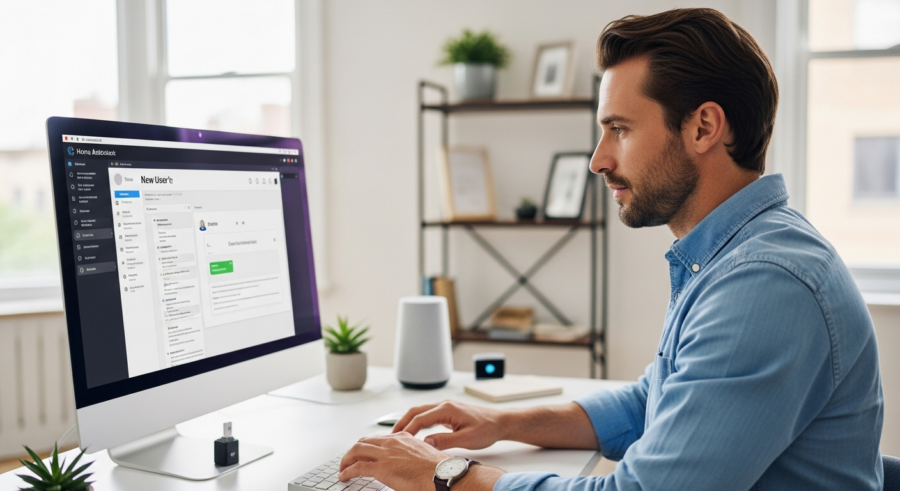
Creating a new user account in Home Assistant is a straightforward process. You’ll need to access the Home Assistant interface and navigate to the user management section.
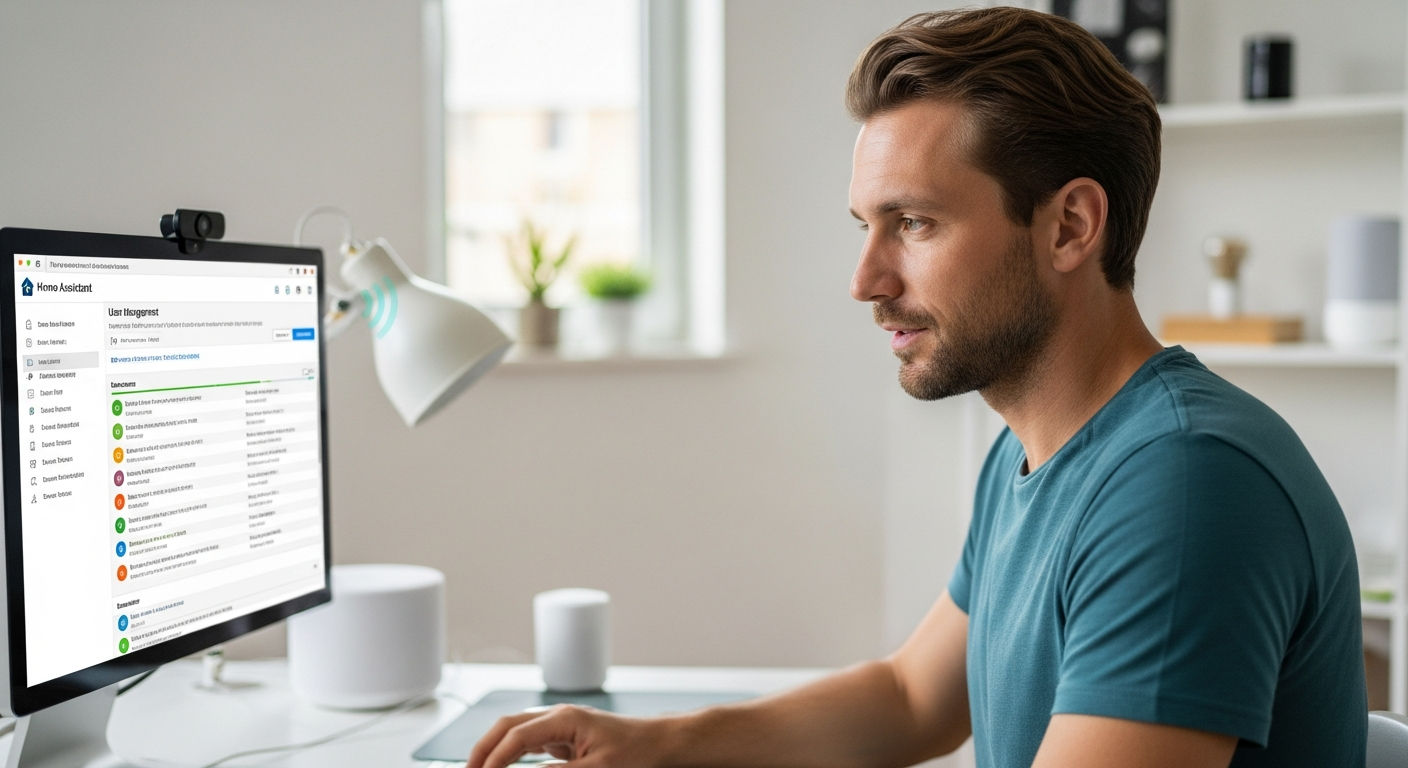
To create a new user account, go to “Settings,” then “People,” and click the “Add Person” button. You’ll be prompted to enter the user’s name, username, and password.
Make sure to choose a strong, unique password for each user to enhance security. You can also assign the user to a specific area within your home, further limiting their access to only relevant devices and entities.
Creating separate accounts for each member of your household not only enhances security but also allows for personalized dashboards and settings. Each user can customize their experience to suit their needs and preferences.
After entering the required information, click “Create” to finalize the new user account. The new user can then log in using their credentials and begin interacting with your Home Assistant setup according to their assigned permissions.
Assigning User Roles and Permissions
Once you’ve created a user account, the next step is to assign the appropriate role and permissions. This determines what the user can and cannot do within your Home Assistant environment.
To assign a role, navigate to the user’s profile in the “People” section of the settings. You can then select either “Administrator” or “User” from the role options.
| Permission | Administrator | User |
|---|---|---|
| Access Configuration | Yes | No |
| Control Devices | Yes | Yes |
| View Dashboards | Yes | Yes |
| Create Automations | Yes | No |
| Manage Users | Yes | No |
| Install Integrations | Yes | No |
Administrators have full control over the system, while Users are limited to controlling devices and viewing dashboards. Carefully consider the responsibilities and technical expertise of each user when assigning roles.
In addition to assigning roles, you can further refine permissions by assigning users to specific areas within your home. This ensures they only have access to the devices and entities relevant to those areas.
Managing Existing User Accounts
Managing existing user accounts is an ongoing task that ensures your Home Assistant setup remains secure and efficient. This includes updating user information, changing passwords, and adjusting permissions as needed.
To manage an existing user account, go to the “People” section in the settings and select the user you want to modify. From there, you can update their name, username, password, and assigned areas.
It’s a good practice to periodically review user accounts and their permissions to ensure they still align with their roles and responsibilities. This helps prevent unauthorized access and maintains the integrity of your smart home system.
If a user’s role changes, such as a family member moving out, it’s important to update their account accordingly. This might involve changing their permissions or even deleting their account altogether.
Regularly managing user accounts is a key aspect of maintaining a secure and well-organized Home Assistant environment. It ensures that only authorized individuals have access to your smart home system and that their permissions are appropriate for their needs.
Deleting User Accounts
Deleting a user account is a permanent action that removes the user’s access to your Home Assistant system. This should be done when a user no longer needs access, such as when they move out of the household or no longer require access to the smart home features.
To delete a user account, navigate to the “People” section in the settings, select the user you want to remove, and click the “Delete” button. You’ll be prompted to confirm the deletion, as this action cannot be undone.
Before deleting an account, consider whether you might want to retain any of the user’s settings or configurations. If so, you may want to transfer ownership of any relevant entities or automations to another user before deleting the account.
Deleting inactive or unnecessary user accounts is an important step in maintaining a clean and secure Home Assistant environment. It reduces the risk of unauthorized access and simplifies user management.
Always exercise caution when deleting user accounts, as this action is irreversible. Ensure that you have a backup of your Home Assistant configuration in case you need to restore any settings or automations associated with the deleted user.
Best Practices for User Management
Effective user management is crucial for maintaining a secure and efficient Home Assistant setup. Here are some best practices to follow when creating and managing user accounts.
These practices will help you ensure that your smart home system remains secure, organized, and user-friendly for everyone in your household. Following these guidelines will minimize potential security risks and enhance the overall experience of using Home Assistant.
- Use strong, unique passwords for each user
- Regularly review and update user permissions
- Assign users to specific areas to limit access
- Delete inactive or unnecessary user accounts
- Enable two-factor authentication for all users
- Educate users on security best practices
By implementing these best practices, you can create a robust user management system that protects your Home Assistant environment from unauthorized access and ensures that each user has the appropriate level of control over your smart home devices.
Remember that security is an ongoing process, and regularly reviewing and updating your user management practices is essential. This proactive approach will help you stay ahead of potential threats and maintain a secure and efficient smart home system.
Leveraging Home Assistant Groups for Efficient User Management
Home Assistant groups offer a powerful way to manage permissions and access for multiple users simultaneously. Instead of configuring permissions for each individual, you can create groups and assign permissions to those groups.
This approach simplifies user management, especially in larger households or when dealing with multiple users who require similar access levels. Groups allow you to apply changes to a set of users at once, saving time and reducing the risk of errors.
To create a group, you can define it directly in your `configuration.yaml` file or use the Home Assistant UI. Each group can include multiple users, and you can assign specific entities and areas to the group.
For example, you might create a “Family” group with access to all common areas of the house, or a “Kids” group with limited access to certain devices and entities. This granular control ensures that each user has the appropriate level of access without compromising security.
Using groups effectively streamlines user management and enhances the overall organization of your Home Assistant setup. It’s a valuable tool for maintaining a secure and efficient smart home environment.
Implementing Two-Factor Authentication for Enhanced Security
Two-factor authentication (2FA) adds an extra layer of security to your Home Assistant user accounts. It requires users to provide a second form of verification in addition to their username and password.
This makes it significantly more difficult for unauthorized individuals to access your system, even if they manage to obtain a user’s password. 2FA is a critical security measure for any smart home setup, especially one that controls sensitive devices and information.
Home Assistant supports various 2FA methods, including time-based one-time passwords (TOTP) generated by apps like Google Authenticator or Authy. You can enable 2FA for each user account in the “People” section of the settings.
Once enabled, users will be prompted to scan a QR code with their authenticator app and enter the generated code each time they log in. This simple step adds a significant level of protection against unauthorized access.
Enabling 2FA for all user accounts is highly recommended and is one of the most effective ways to secure your Home Assistant system. It protects your smart home from potential threats and ensures that only authorized individuals can access your devices and settings.
Regularly Auditing User Activity and Logs
Regularly auditing user activity and logs is an important part of maintaining a secure Home Assistant environment. By reviewing the logs, you can identify any suspicious activity or unauthorized access attempts.
Home Assistant logs provide a detailed record of all actions performed within the system, including user logins, device control events, and configuration changes. Analyzing these logs can help you detect potential security breaches or identify areas where your system might be vulnerable.
You can access the logs through the Home Assistant UI or by directly accessing the log files on your system. Look for unusual login patterns, unexpected device control events, or any configuration changes that you didn’t authorize.
Setting up automated alerts for specific events, such as failed login attempts or unauthorized device access, can help you quickly respond to potential security threats. This proactive approach allows you to address issues before they escalate.
Regularly auditing user activity and logs is a crucial step in ensuring the security and integrity of your Home Assistant system. It provides valuable insights into potential security risks and allows you to take timely action to protect your smart home environment.
Educating Users on Security Awareness
Educating all users on basic security awareness is essential for maintaining a secure Home Assistant environment. Even with robust technical security measures in place, human error can still create vulnerabilities.
Teach users about the importance of strong passwords, the risks of phishing attacks, and the need to protect their login credentials. Make sure they understand the potential consequences of unauthorized access to the Home Assistant system.
Explain the importance of not sharing passwords, logging out of Home Assistant when using shared devices, and being cautious about clicking on links or opening attachments from unknown sources. Simple precautions can significantly reduce the risk of security breaches.
Encourage users to report any suspicious activity or potential security concerns immediately. Creating a culture of security awareness within your household can help prevent many common security threats.
By educating all users on security best practices, you can create a more resilient and secure Home Assistant environment. A well-informed user base is one of the most effective defenses against potential security threats.
Conclusion
Managing users effectively in Home Assistant is crucial for maintaining a secure, efficient, and personalized smart home environment. By understanding user roles, creating appropriate accounts, and implementing best practices for user management, you can ensure that your smart home system is both powerful and secure.
Remember to regularly review user accounts and permissions, implement two-factor authentication, and educate users on security awareness. These steps will help you protect your Home Assistant system from unauthorized access and maintain a well-organized smart home environment.
With the right user management strategies in place, you can confidently enjoy the benefits of Home Assistant while ensuring the security and privacy of your smart home.
