
Conclusion
The Home Assistant Energy Dashboard is a powerful tool for anyone looking to gain control of their energy consumption and create a more sustainable home. By selecting the right energy dashboard compatible devices, configuring them properly, and analyzing your energy data, you can identify areas where you can improve efficiency and reduce your carbon footprint.
Whether you’re using smart plugs, energy meters, or solar inverters, Home Assistant provides the flexibility and customization options you need to build a truly smart and energy-efficient home. The journey towards energy efficiency starts with awareness and informed decisions.
So, take the first step today and start exploring the world of smart home energy management with Home Assistant. You’ll not only save money on your energy bills but also contribute to a more sustainable future for all.
Embrace the power of data and automation to transform your home into an energy-efficient haven, one smart device at a time. With the right tools and knowledge, you can make a significant impact on your energy consumption and the environment.
Smart home automation has revolutionized how we interact with our living spaces, bringing convenience and efficiency to our fingertips. One of the most powerful tools in this domain is Home Assistant, an open-source platform that allows users to control and monitor a wide array of devices. Integrating energy monitoring into your Home Assistant setup can provide valuable insights into your energy consumption, helping you make informed decisions and reduce your carbon footprint.
The Home Assistant Energy Dashboard is a game-changer for those looking to take control of their energy usage. But what devices work best with this dashboard, and how can you leverage them to gain meaningful insights? This article will guide you through the best energy dashboard compatible devices, their configuration, and how to analyze and optimize your energy consumption using Home Assistant.
Let’s explore the world of smart home energy management and discover how you can transform your home into an energy-efficient haven. By understanding the capabilities of the Home Assistant Energy Dashboard and selecting the right energy monitoring devices, you can create a truly smart and sustainable home.
Understanding the Home Assistant Energy Dashboard
The Home Assistant Energy Dashboard is a built-in feature designed to provide users with a comprehensive view of their energy consumption. It allows you to track energy usage from various sources, including your main grid connection, solar panels, and individual appliances.
This dashboard offers real-time data and historical trends, enabling you to identify patterns and areas where you can improve energy efficiency. By visualizing your energy data, you gain a clear understanding of where your energy is going, empowering you to make smarter choices.
One of the key benefits of the Energy Dashboard is its ability to integrate with a wide range of devices and platforms. This flexibility allows you to create a customized energy monitoring system that fits your specific needs and preferences.
Whether you’re using smart plugs, energy meters, or solar inverters, the Energy Dashboard can consolidate all this information into a single, easy-to-understand interface. The primary goal is to empower homeowners to make data-driven decisions about their energy consumption.
Essential Devices for Energy Monitoring
To effectively use the Home Assistant Energy Dashboard, you’ll need the right devices to collect and report energy data. Several types of devices can be integrated, each offering unique capabilities and insights.
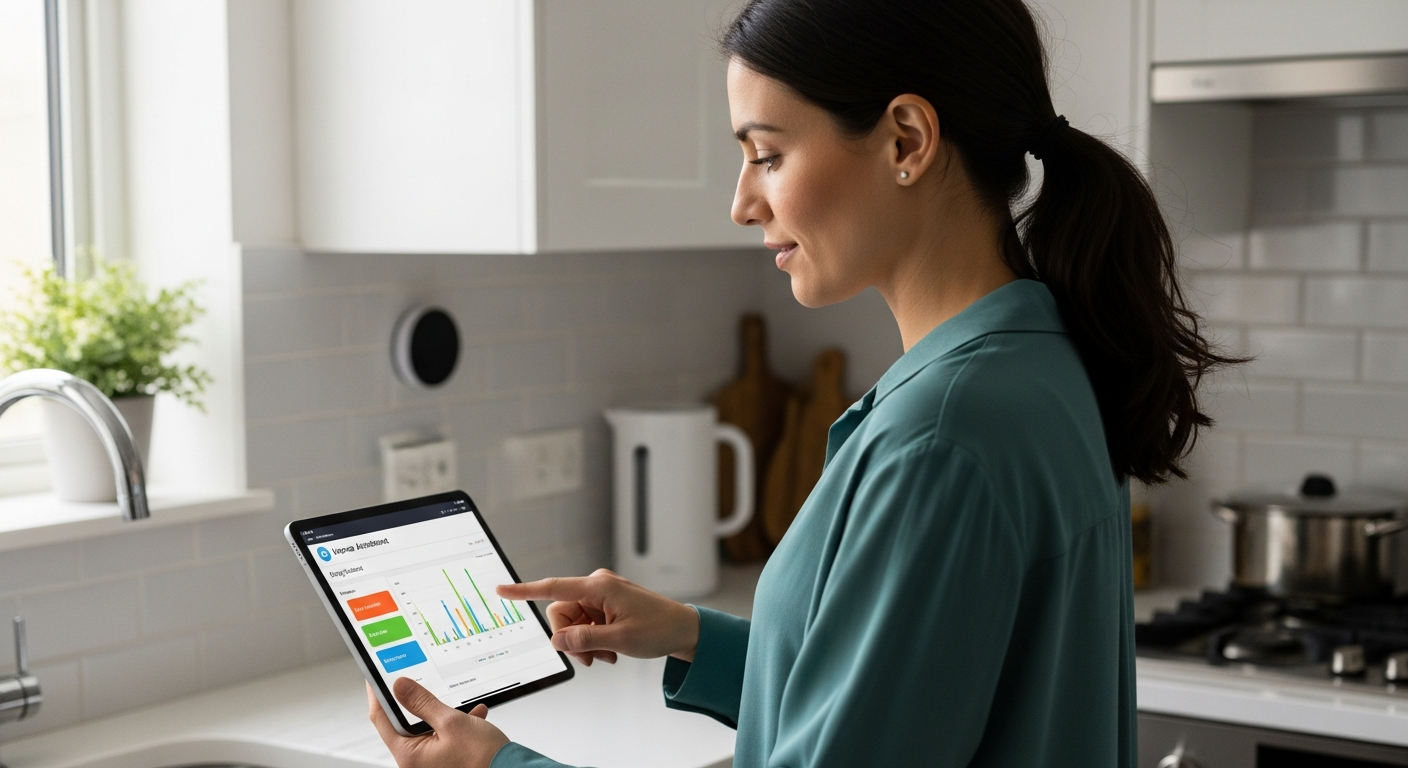
Smart plugs are a great starting point, allowing you to monitor the energy usage of individual appliances. Energy meters, on the other hand, provide a comprehensive view of your entire home’s energy consumption, while solar inverters track the energy generated by your solar panels.
| Device Type | Function | Benefits |
|---|---|---|
| Smart Plugs | Monitor individual appliance energy usage | Easy to install, provides detailed appliance-level data, relatively inexpensive |
| Energy Meters | Monitor total home energy consumption | Comprehensive overview, real-time data, can identify major energy drains |
| Solar Inverters | Track solar energy production | Monitors solar panel efficiency, provides data on energy generated, helps optimize solar usage |
| Smart Thermostats | Control and monitor HVAC energy usage | Optimizes heating and cooling, reduces energy waste, provides insights into HVAC efficiency |
Smart thermostats are also essential for monitoring and controlling your heating and cooling systems, which often account for a significant portion of your energy bill. By strategically selecting and integrating these devices, you can build a robust energy monitoring system within Home Assistant.
Smart Plugs for Appliance-Level Monitoring
Smart plugs are one of the easiest and most affordable ways to start monitoring the energy consumption of individual appliances. These devices plug into your existing outlets and provide real-time data on the energy being used by whatever is plugged into them.
This level of detail is invaluable for identifying energy hogs and understanding how different appliances contribute to your overall energy bill. You might be surprised to find out how much energy your old refrigerator or gaming PC consumes.
Many smart plugs also offer remote control capabilities, allowing you to turn devices on or off from your smartphone or through Home Assistant automations. This can be particularly useful for turning off devices that you often forget to switch off, such as lamps or fans.
When choosing smart plugs for energy monitoring, look for models that are compatible with Home Assistant and provide accurate energy consumption data. Popular brands like TP-Link Kasa, Sonoff, and Shelly offer smart plugs that integrate seamlessly with Home Assistant.
Energy Meters for Whole-Home Monitoring
While smart plugs are great for monitoring individual appliances, energy meters provide a comprehensive view of your entire home’s energy consumption. These devices are typically installed at your electrical panel and monitor the total energy flowing into your home.
This allows you to see your overall energy usage in real-time, as well as track historical trends over time. Energy meters are particularly useful for identifying major energy drains and understanding how your energy consumption varies throughout the day.
Several energy meters are compatible with Home Assistant, including the Emporia Vue, Sense Energy Monitor, and Shelly 3EM. These devices typically connect to your home network via Wi-Fi and provide data that can be easily integrated into the Energy Dashboard.
Some energy meters also offer advanced features, such as the ability to monitor individual circuits within your electrical panel. This can provide even more granular data, allowing you to pinpoint specific areas of your home that are consuming the most energy. It’s a crucial part of smart home energy.
Solar Inverters for Renewable Energy Tracking
If you have solar panels installed on your home, integrating your solar inverter with Home Assistant is essential for tracking your renewable energy production. Solar inverters convert the DC electricity generated by your solar panels into AC electricity that can be used in your home.
By connecting your solar inverter to Home Assistant, you can monitor the amount of energy your solar panels are generating in real-time, as well as track historical production data. This information can be used to optimize your solar panel usage and ensure that you’re getting the most out of your investment.
Many solar inverters, such as those from Enphase, SolarEdge, and SMA, offer integrations with Home Assistant. These integrations typically provide data on the amount of energy being generated, the voltage and current of your solar panels, and the overall health of your solar system.
This data can be used to create custom dashboards and automations within Home Assistant, allowing you to visualize your solar energy production and automatically adjust your energy usage to maximize self-consumption. Integrating solar data is key for smart home energy monitoring.
Configuring Devices for the Energy Dashboard
Once you’ve selected your energy monitoring devices, the next step is to configure them for use with the Home Assistant Energy Dashboard. This typically involves installing the necessary integrations and configuring the devices to report their energy data to Home Assistant.
The process for configuring each device will vary depending on the brand and model, but generally involves adding the device to Home Assistant and then configuring it within the Energy Dashboard settings.
- Install the device’s Home Assistant integration
- Configure the integration with your device’s credentials
- Ensure the device is reporting energy data
- Add the device to the Energy Dashboard configuration
- Specify the device’s energy measurement type (e.g., consumption, production)
In the Energy Dashboard settings, you’ll need to specify which devices are measuring energy consumption, which are measuring energy production, and which are providing data on individual appliances. You’ll also need to configure the cost of electricity so that the dashboard can calculate your energy expenses.
Analyzing Energy Consumption Patterns
Once your devices are configured and reporting data to the Energy Dashboard, you can begin analyzing your energy consumption patterns. The dashboard provides a variety of visualizations and reports that can help you understand how your energy usage varies over time.
You can view your energy consumption by day, week, month, or year, and compare your usage to previous periods. This can help you identify trends and seasonal variations in your energy consumption.
One of the most useful features of the Energy Dashboard is its ability to break down your energy consumption by device or appliance. This allows you to see which devices are consuming the most energy and identify opportunities for improvement.
For example, you might discover that your old refrigerator is consuming a disproportionate amount of energy, prompting you to consider replacing it with a more energy-efficient model. Analyzing your smart home energy data empowers you to make informed decisions.
Optimizing Energy Usage with Automations
Once you’ve identified areas where you can improve your energy efficiency, you can use Home Assistant automations to optimize your energy usage. Automations allow you to create rules that automatically adjust your devices based on various triggers and conditions.
For example, you can create an automation that automatically turns off lights when you leave a room, or adjusts your thermostat based on the time of day or the weather forecast. These automations can significantly reduce your energy consumption without requiring any manual intervention.
Another powerful automation is to automatically switch to solar energy when it’s available and switch back to grid energy when solar production is low. This can maximize your self-consumption of solar energy and reduce your reliance on the grid.
You can also create automations that alert you when your energy consumption exceeds a certain threshold, allowing you to quickly identify and address any unusual energy drains. By leveraging the power of Home Assistant automations, you can create a truly energy-efficient home.
Troubleshooting Energy Dashboard Issues
While the Home Assistant Energy Dashboard is a powerful tool, you may encounter some issues during setup or operation. Here are some common problems and how to troubleshoot them.
One common issue is devices not reporting energy data correctly. This can be caused by a variety of factors, such as incorrect configuration, network connectivity problems, or device malfunctions.
Another issue is the Energy Dashboard not displaying data correctly. This can be caused by incorrect unit of measurement settings, mismatched device types, or data corruption.
If you’re experiencing issues with the Energy Dashboard, start by checking the device configurations and ensuring that all devices are properly connected to your network. Also, consult the Home Assistant documentation and community forums for troubleshooting tips and solutions.
Advanced Energy Monitoring Techniques
Beyond the basics of the Energy Dashboard, there are several advanced techniques you can use to further enhance your energy monitoring capabilities. One such technique is using custom sensors to track specific energy metrics.
For example, you can create a custom sensor that calculates the energy consumption of your entire entertainment system, or tracks the energy used for charging your electric vehicle. These custom sensors can provide even more granular insights into your energy usage.
Another advanced technique is using machine learning algorithms to predict your future energy consumption. This can help you anticipate periods of high energy demand and adjust your usage accordingly.
You can also integrate your energy data with other smart home systems, such as your lighting or HVAC system, to create even more sophisticated energy-saving automations. The possibilities are endless when it comes to advanced energy monitoring with Home Assistant.
Future Trends in Smart Home Energy Management
The field of smart home energy management is constantly evolving, with new technologies and trends emerging all the time. One of the most promising trends is the integration of artificial intelligence (AI) into energy management systems.
AI-powered systems can analyze your energy data in real-time and automatically adjust your devices to optimize energy efficiency. Another trend is the increasing adoption of smart grids, which allow for more efficient distribution of energy and better integration of renewable energy sources.
As smart home technology becomes more ubiquitous, we can expect to see even more sophisticated energy management solutions emerge. These solutions will not only help us save money on our energy bills, but also reduce our carbon footprint and contribute to a more sustainable future.
The Internet of Things (IoT) will also play a significant role, connecting more devices and appliances to the grid, enabling more precise monitoring and control. The future of energy management is smart, connected, and sustainable.
Conclusion
The Home Assistant Energy Dashboard is a powerful tool for anyone looking to gain control of their energy consumption and create a more sustainable home. By selecting the right energy dashboard compatible devices, configuring them properly, and analyzing your energy data, you can identify areas where you can improve efficiency and reduce your carbon footprint.
Whether you’re using smart plugs, energy meters, or solar inverters, Home Assistant provides the flexibility and customization options you need to build a truly smart and energy-efficient home. The journey towards energy efficiency starts with awareness and informed decisions.
So, take the first step today and start exploring the world of smart home energy management with Home Assistant. You’ll not only save money on your energy bills but also contribute to a more sustainable future for all.
Embrace the power of data and automation to transform your home into an energy-efficient haven, one smart device at a time. With the right tools and knowledge, you can make a significant impact on your energy consumption and the environment.